


Calibrite Display Plus HL
A professional-level display calibration tool capable of high-luminance measurement up to 10,000 cd/m2 (nits)! Now Apple Approved!
Please note that we are open by appointment only (except for click and collect pickups once notified ready).
The Display Pro HL allows for accurate calibration and colour profiling of LCD, mini-LED, OLED and projectors, up to 3,000 cd/m2 (nits).
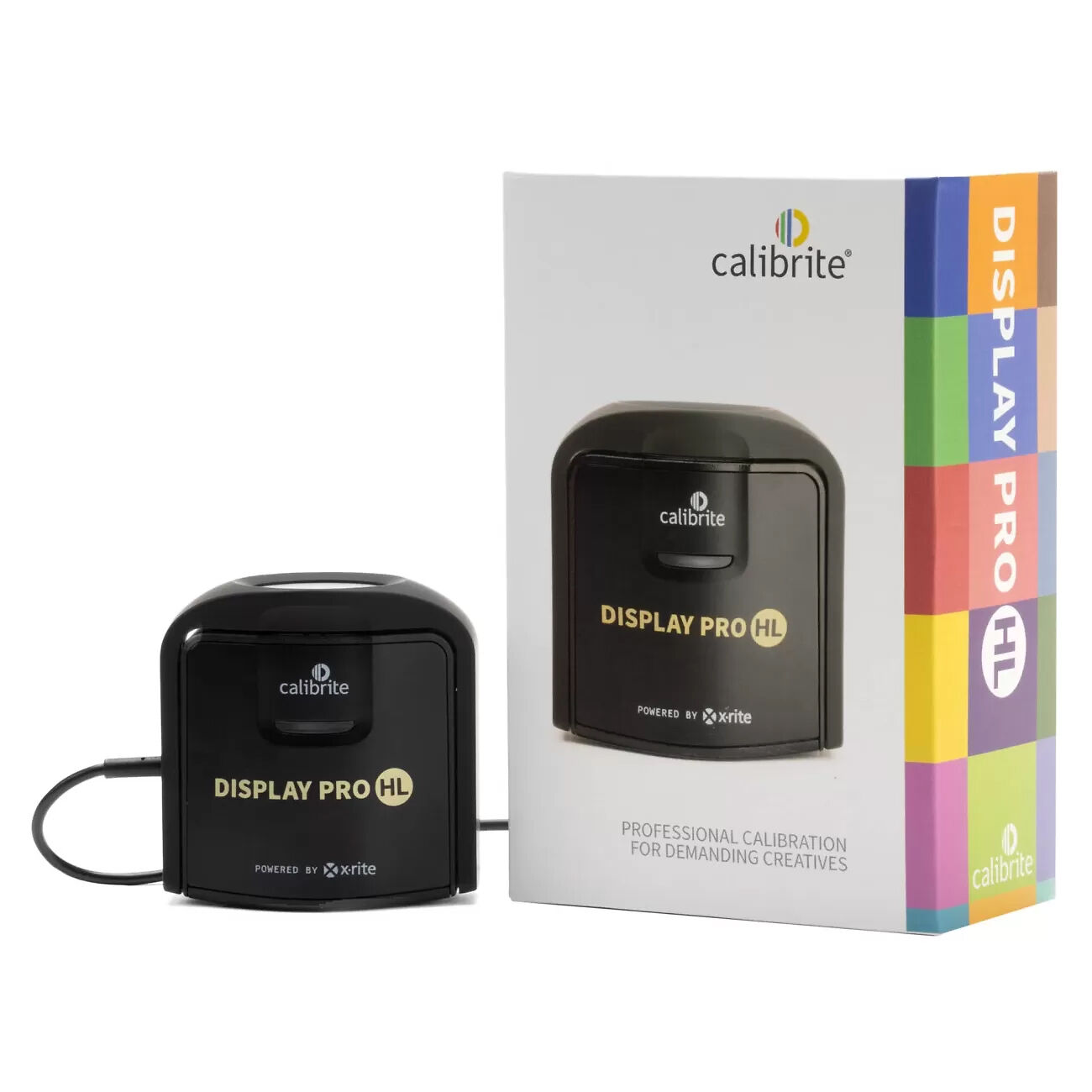
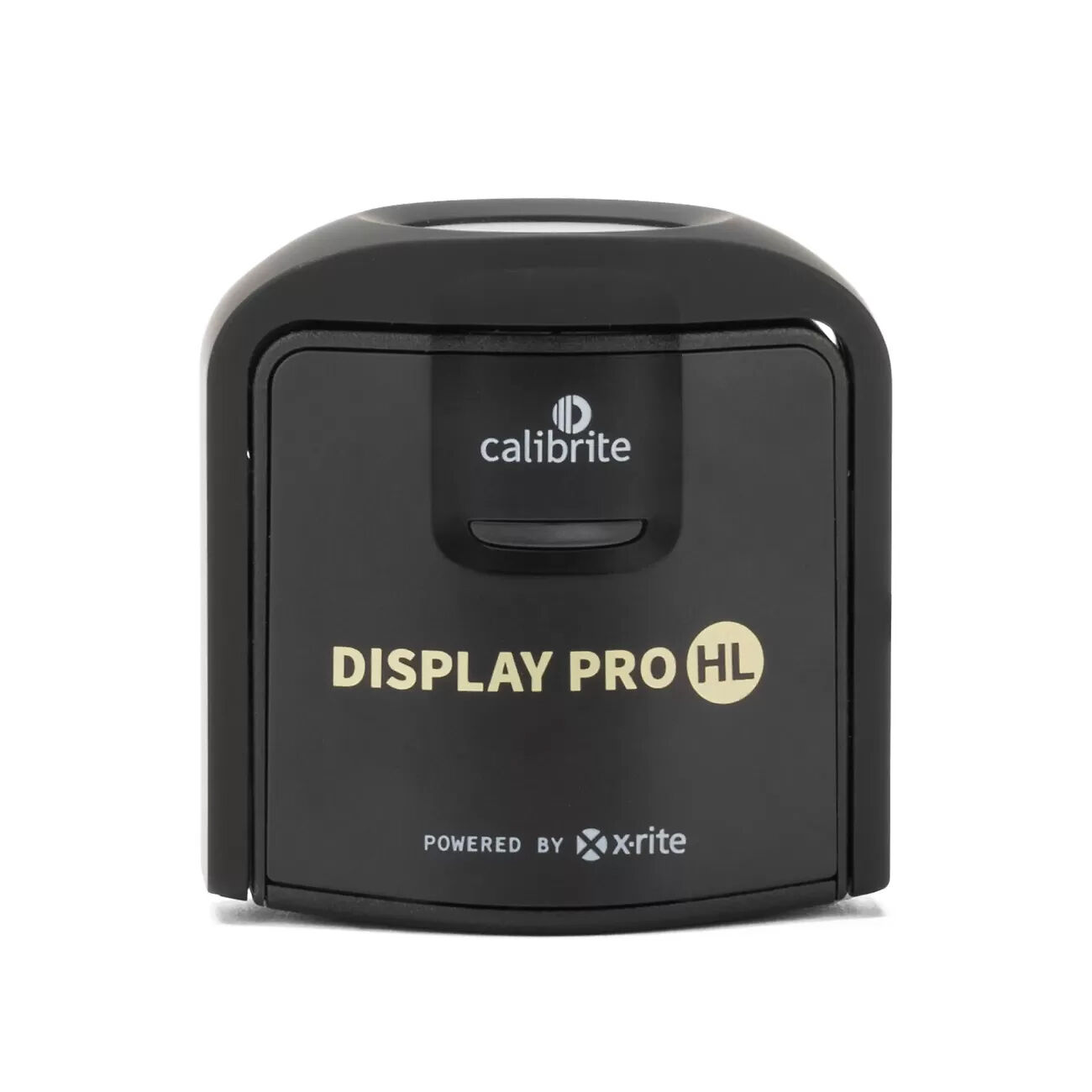
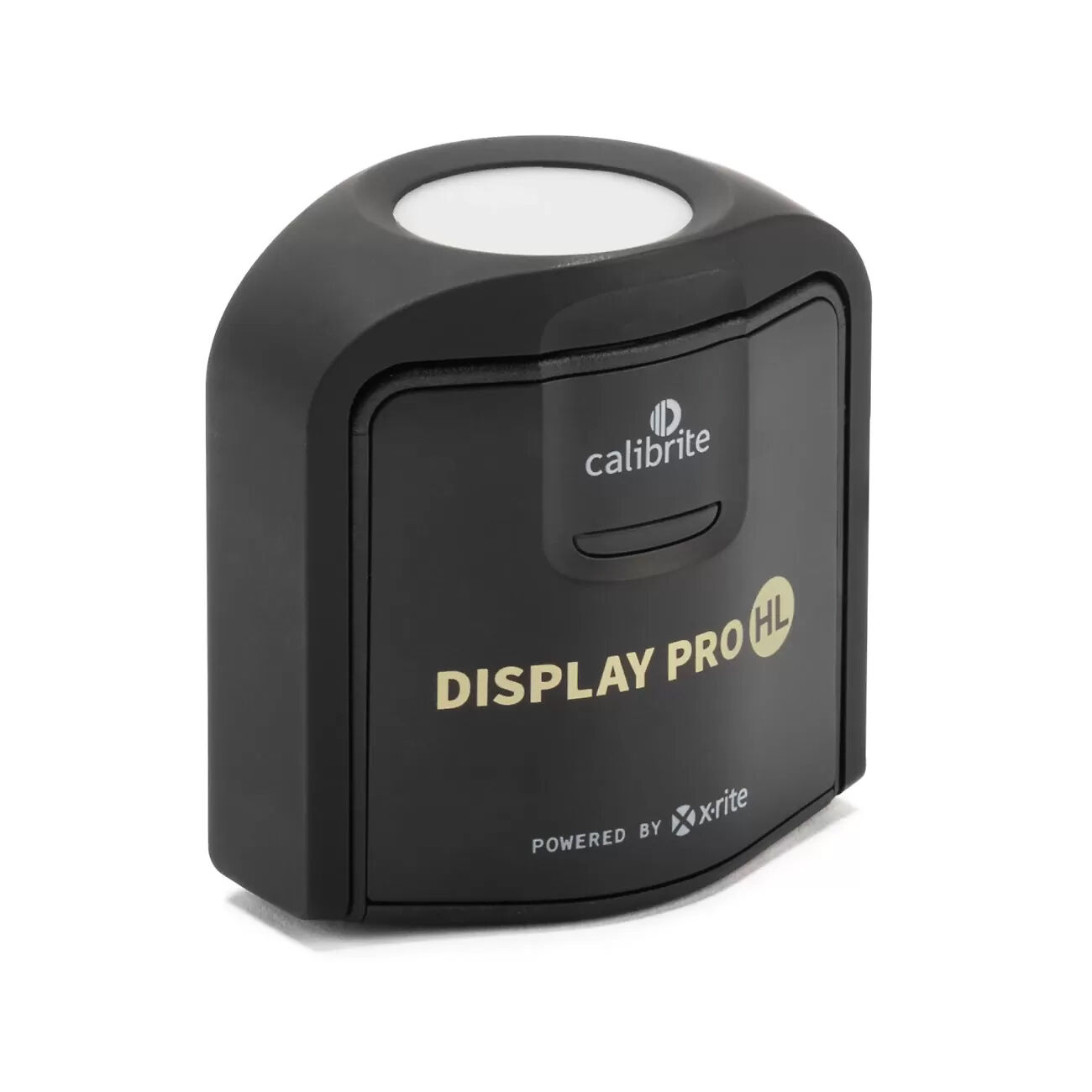

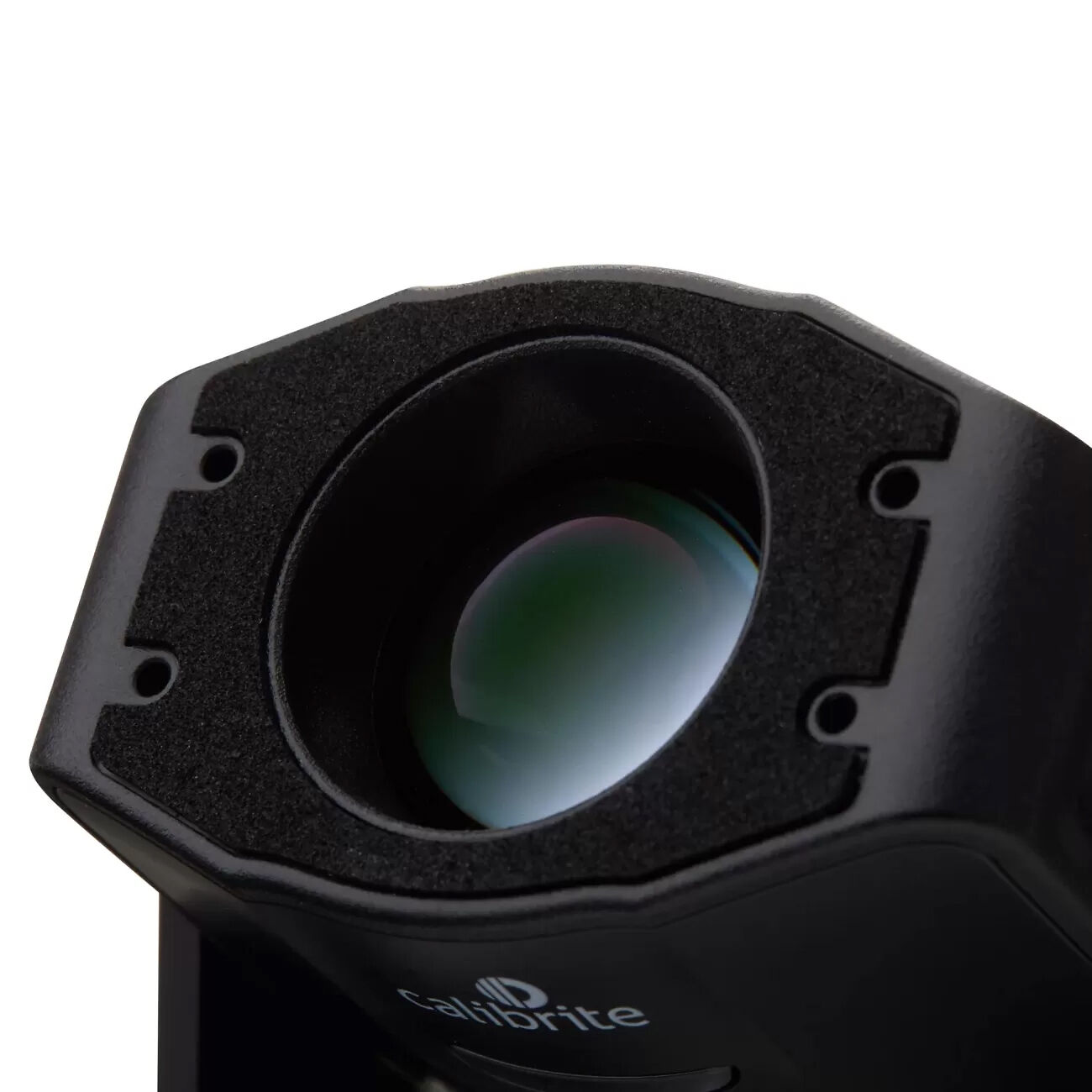
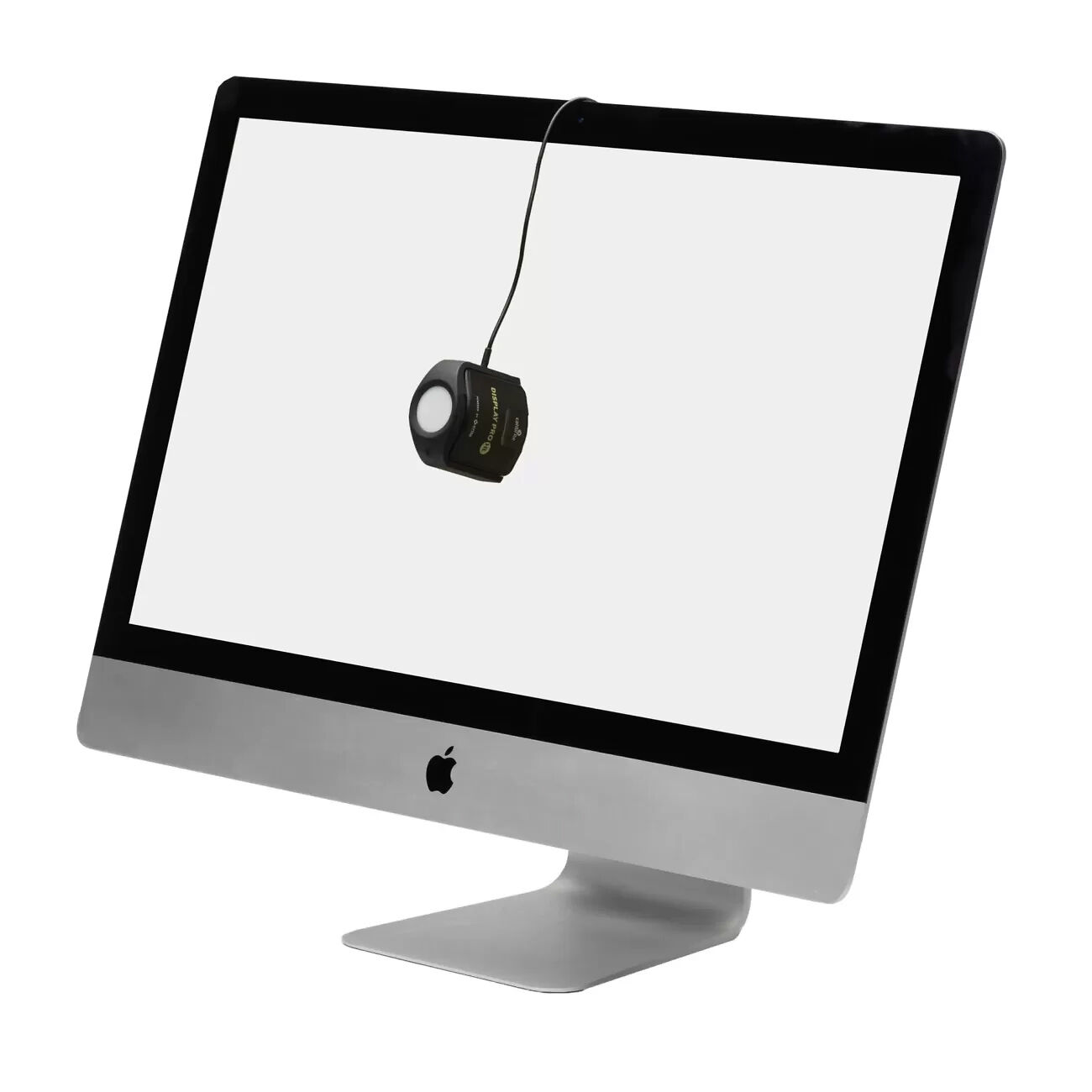
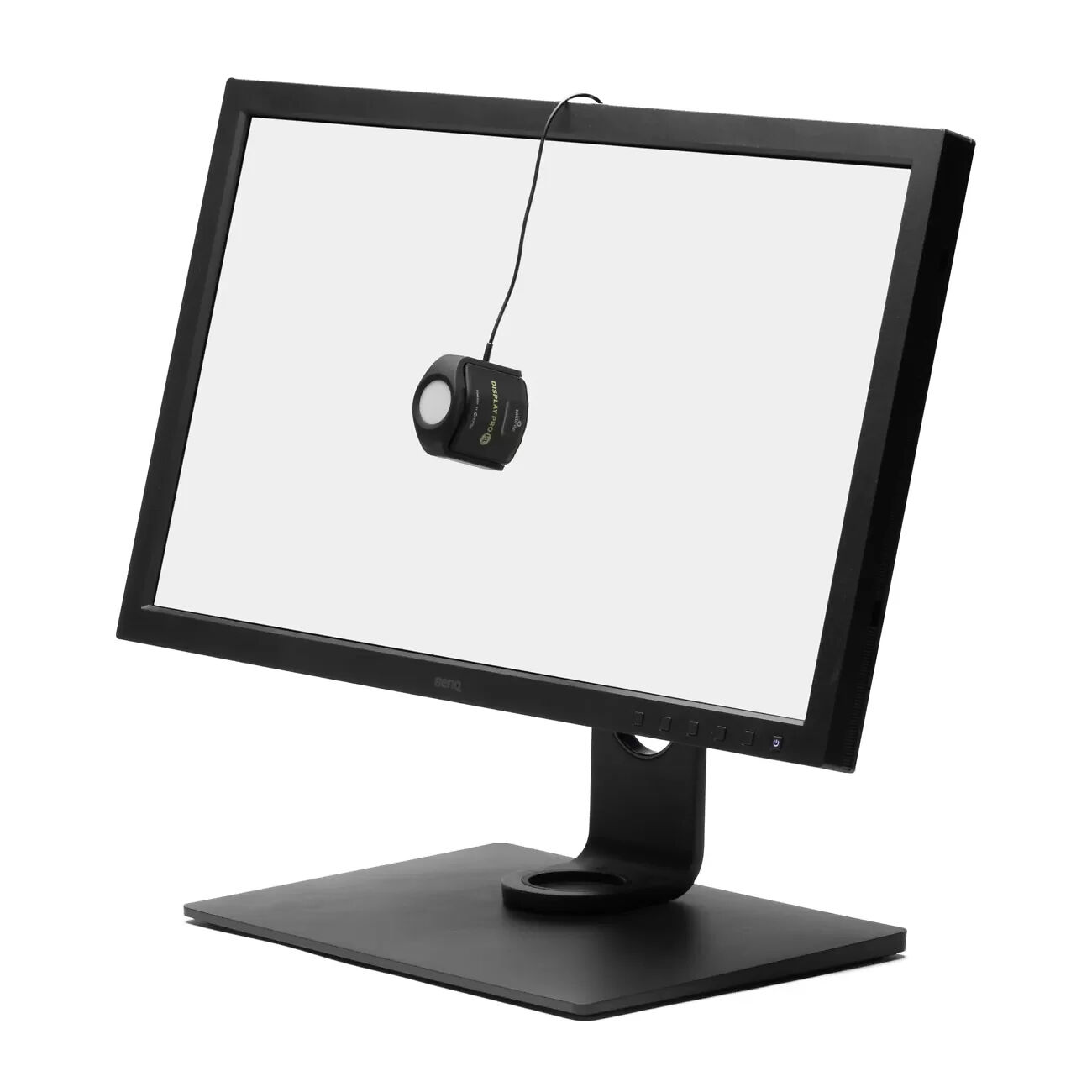
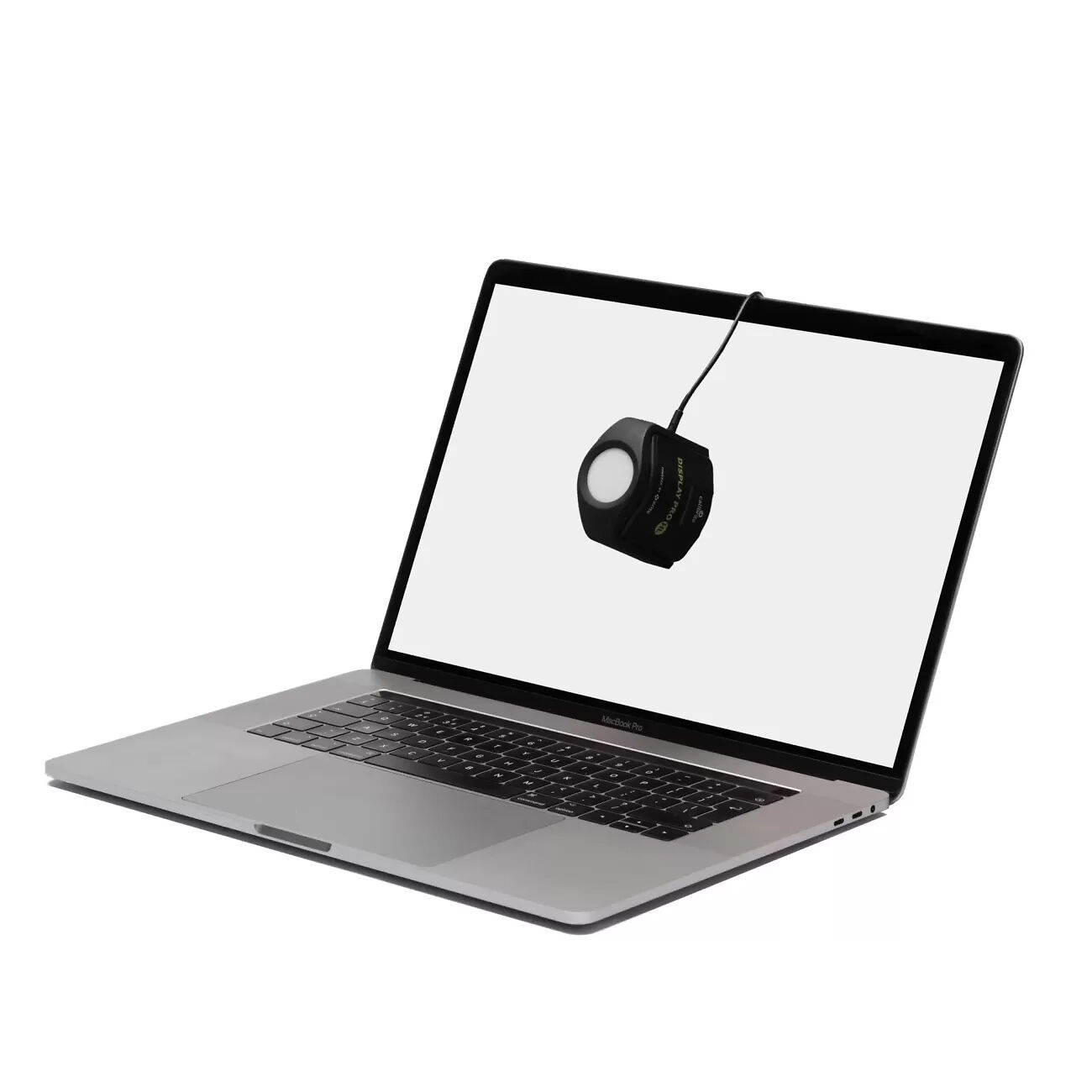


This is Calibrite's Calibrator for Next Generation monitor technologies - and is bound to become the new industry standard.
Our take:
The current generations of Calibrite ColorChecker Display calibrators are designed for (and work perfectly for) current monitor technologies.
These new calibrators are designed for display technologies that are on the horizon - such as mini-LED and OLED. We are beginning to see these in e.g. some laptops, and one expects that in some time colour accurate, desktop monitor versions will follow.
Whilst it is very unlikely that most people will actually run desktop monitors at these sorts of high brightness levels (it's just not comfortable!) - those that want to e.g. work on HDR video, will find benefit from these new displays and thus need these new calibrators to support them. And of course, the fact these calibrators can cope with much higher and lower brightnesses (i.e. more contrast), does not make them less useful for current monitors.
In a nutshell, with these new models, you're paying a bit of a premium for best-in-class performance with current monitor technologies, and future proofing yourself against forth-coming monitor technologies.
Calibrite say:
Professional calibration for demanding creatives
The new standard in display calibration devices that measures up to 3,000 nits. The advanced HL (high luminance) sensor enables greater colour accuracy and luminance range for current and new display technologies, accurately measuring LCD, mini-LED, OLED displays and Apple XDR panels. Display Pro HL covers broadcast video standards NTSC, PAL SECAM and ITU-R Rec.709 for video support. Perfect for photographers and digital artists using advanced photo editing displays.
Made for photographers, designers, and content creators, the powerful combination of hardware and software in the Calibrite Pro HL brings your colours to life like never before.
You care about your images, your designs, your content. It’s your creative vision, and we know you want to have complete confidence when sharing it with clients and customers; you want to be sure the files you edit are at their best. The brand-new HL sensor in the Calibrite Display Pro HL allows for more accurate calibration and colour profiling of LCD, mini-LED and OLED displays, including Apple XDR panels, and therefore more control over your images.
Calibrite Display Pro HL is powered by new X-Rite technology and backed by decades of display and colour science research. Using a newly developed HL measurement sensor, the Display Pro HL provides superior colour accuracy and enables a greater luminance range, compatible with current and emerging display technologies. And when used with Calibrite PROFILER software, you can access completely customizable features such as White Point, Luminance, Contrast Ratio and Gamma, which make the most of the new HL sensor.
Calibrite PROFILER Software
Calibrite PROFILER is our new, intuitive, simple-to-use calibration software for all levels of creators. With built-in presets for those new to colour management and fully customisable features for the more advanced user, Calibrite PROFILER makes colour management accessible for everyone, enabling anyone to get their colour right!
Display Calibration
Our advanced HL sensor, combined with the Calibrite PROFILER software, allows you to calibrate the full gamma width of mini-LED, OLED and Apple XDR panels with ease. And, of course, we include White LED, Plasma, RGB LED, PFS Phosphor and Wide Gamut displays.
Our ambient light measurement feature automatically determines the optimum display luminance for comparing prints to your display based on a measurement of the lighting conditions where prints will be viewed.
You can choose from three patch set sizes small, medium and large; add patches from specific images for even more accuracy. Plus, our before-and-after images provide instant feedback on the results!
Projector Calibration
Now your projected presentations can display your work in the best light and colour possible. Thanks to our projector profiling, you can easily create a custom profile for a projector or large panel display directly from your laptop in just a few minutes. The profiling process accounts for all room conditions, including projected colours, screen colour and ambient room lighting, ensuring that your presentation looks exactly as you intended. With this technology, you can confidently showcase your work and know that people will see it exactly as you want.

Calibrator Technology
Colorimeter
Display Technology Support
LCD (CCFL Backlight)
LCD (LED Backlight)
OLED
Mini-LED
Plasma
Front Projector
Rear Projector

Multiple Display Support?
Please note: Specifications are provided as a guide only.
We try very hard to keep these up to date and correct, but if a particular specification is really critical to you, then please double check the specification directly with the manufacturer. Some features may of course have caveats not fully described here.
To get more information about a particular specification, use the arrow to get a 'Specxplanation'.
Calibrators come in two main types:
Colorimeters - can only read light emitting devices, like monitors. They are generally the best (and most affordable) option for calibration monitors. Essentially these are like simple digital cameras with a sensor and some filters in front of the sensor to separate the different colours of light.
Spectrophotometers - These measure the actual spectral wavelengths of light. They have their own light source so can handle both light emitting devices like monitors and reflective materials like paper. They're very good at print but not as good as colorimeters for monitors generally, as the commonly available models tend to have some difficulty reading deep shadows on monitors.
A third type 'Spectrocolorimeter' - is something Datacolor came up with in their print calibrators. We at Image Science are ...not huge fans.
Here's a more comprehensive overview of the different types of calibrators (paraphrased from the ColorSync mailing list!):
1) Radiometer is a sort of light meter for some assumed spectrum; could be any electro magnetic radiation (EMR). If it is used for photography it's literally called a Light Metre.
2) Spectrometer is a radiometer that can report spectral power distributions, e.g., the EMR contour of a spectra. This is classically about a prism, hot objects and the visible signatures of their elemental constituents. But also could be about any range of EMR.
3) Spectroradiometer - measurement of precise energy distributions across a spectra. This is about knowing not only the spectral distribution, but exactly how much power is being conveyed.
4) Spectrophotometer, is an application of a spectrometer for evaluating spectral power distribution in range of visual sensation. In domain of Colorsync Users, this tends to be optimised for reflective media, but such a distinction is application dependent.
5) Colorimeter, a device that reports tri-stimulus colorimetric (e.g, CIEXYZ) coordinates of spectra; optimised under an assumption of RGB emissive media, i.e. display technologies
These last two are applications most relate to colorimetry, whereas the former three apply to many other EMR domains. So if you're a physicist or chemist or radio engineer, for example, you are generally thinking in terms of first 3, and if you are a colour user/engineer you are thinking mostly in terms of the last two.
Calibrators have filters in them and depending on the characteristics of the displays they are measuring, they may or may not support that type of display.
The display types are:
What colour temperarture choices for white point does the system allow you to make?
At a minimum, 6500K and monitor native should be offered. 6500K is the standard whitepoint in general use in the photographic world, and lower end monitors don't like having their whitepoint adjusted so monitor native is the best to use in those cases.
However, ideally you can set any whitepoint you like, so that you can, for instance, adjust your monitor to look more like specific paper types.
What gammas can you choose when calibrating?
Pretty much everyone should be using 2.2.
Some might want to experiment with L* in some obscure cases.
How many patches are used (measured) in the calibration process? More (to a point) is better from a quality point of view, although it makes the process take longer of course.
200 to 400 patches is generally enough.
Also - can the calibrator target the reproduction of specific colours, such as specific Pantones?
Uniformity is still an issue with modern LCD monitors, especially lower quality ones. Does the calibrator have a system for assessing the screen uniformity?
(Unfortunately there's no system for correcting screen uniformity issues, other than getting a better monitor!)
Can you calibrate multiple monitors connected to the one computer?
Note, even if the calibarator supports this, your system must as well. This means all video cards in your system must have a separate LUT table.
All Macs have this, and most desktop PCs as well. Some PC laptops have single LUT systems although it's been some time since we've seen this actually.
ICC V2 is the most compatible and in fact for monitors there's really no practical benefit to ICC V4 support really.
In general, table based profiles are more accurate than matrix profiles, so this is desirable.
Devices with a monitor history report can show you how the behaviour of your screen is changing over time.
This can be useful in diagnosing issues and planning hardware upgrades.
Will the system give you a report on the quality of your monitor?
Measuring a monitor's quality with the same device you used to calibrate it is of dubious benefit, though - as any error is likely to be repeated, so the device might well report that things are fine when they are not.
Can you use the calibrator with an app on your Apple i device or Android device?
Note, this will allow you to display calibrated images within that app only - there is no general support for colour management on mobiles/tablets yet.
DisplayCAL is an open source application built on top of the excellent argyll cms open source colour management system.
It is available for Linux, Windows and OSX.
It's an extremely good calibration package, in many ways better than the manufacturer's own software, and well worth checking out - see this comprehensive page for details.
Often DisplayCAL can be used to rescue older calibrators when the manufacturer has stopped supporting legacy operating systems.
Please Note:
We keep these details up to date to the best of our knowledge.
However if a particular item is of special importance to you please also check the manufacturer's listing for the product.
You will get:
Confused about something, or just want some human to human advice?
Send us a question about this product.
We answer all enquiries, and promptly too!
You're also very welcome to ring us on 03 9329 4522 if you prefer.
Note this form is for pre-purchase enquiries, or support enquiries if you have bought this product from us. If you have bought this product from another supplier then please contact that supplier for support.