Film Scanning
Extensive Knowledge
Scanning is where we started. For almost 20 years we have continually refined our processes to ensure that you receive the best scans possible from your film. Our scanning methodology is focused towards giving you a file that provides maximum detail and flexibility, and offers greater fine art printing options.

High Quality, Affordable Pricing
You will receive scans that are deliberately unprocessed - with absolutely no clipping or sharpening. We return to you accurate scans, perfect for further processing. You retain maximum detail and are given a file that allows you to make all the creative decisions. Our premium service continues to be the most affordable in the industry - at least 50% lower than others, whilst still producing higher quality results.
State of the Art Equipment
We use one of the best scanners ever made - the Imacon Flextight 949 film scanner, which produces scans that are sharp, colour accurate, and rich in detail. The Flextight 949, with it's unique 'air drum' approach, offers the excellent edge to edge sharpness of drum scanners, without the need for messy oil mounting - your film will come back to you in exactly the condition you supply it.
Extensive Client Base
We work with all different levels of clients including many of Australia's top photographers such as National Geographic Photographer Jason Edwards, but also keen amateurs and even those who simply wish to create archival quality digital files of their family history.
How It Works
1. Order Online
Place your order online with our user friendly ordering interface that allows you to include comments as you go.
2. Get Your Film To Us
Send your films to us via mail, or drop it in to us at our North Melbourne office. Make sure you supply your films in scan ready strips and pack them flat & securely to protect them from unexpected damage and always send them via a track-able post service.
3. Turnarounds
When we receive your films and your matching online order we start scanning. Our turnaround times are normally 1-2 days, but may be longer based on our current workload or if you have a larger order.
4. Completion
Once your order has been completed, your scans will be made available for download (or even better supply your own USB stick/drive if preferred), and we will notify you that your film is ready to collect or has been posted.
Film Formats
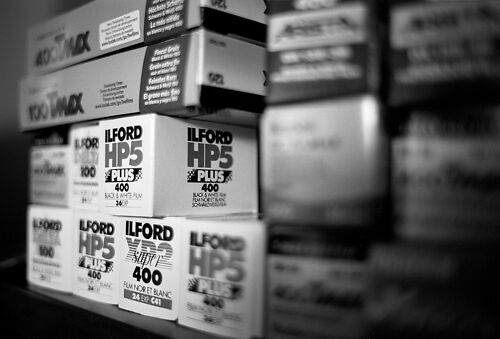
We are able to scan colour negative, positives and black & white of all popular film formats.
This includes:
- 35mm
- Mounted 35mm Slides
- X-Pan (24x65mm 'double frame')
- 120 Medium Format - 6x6, 6x7, 6x9
- 120 Half Frame - 6x4.5
- 120 Pano - 6x12 and 6x17
- 4x5 Large Format
How To Supply Your Film For Scanning
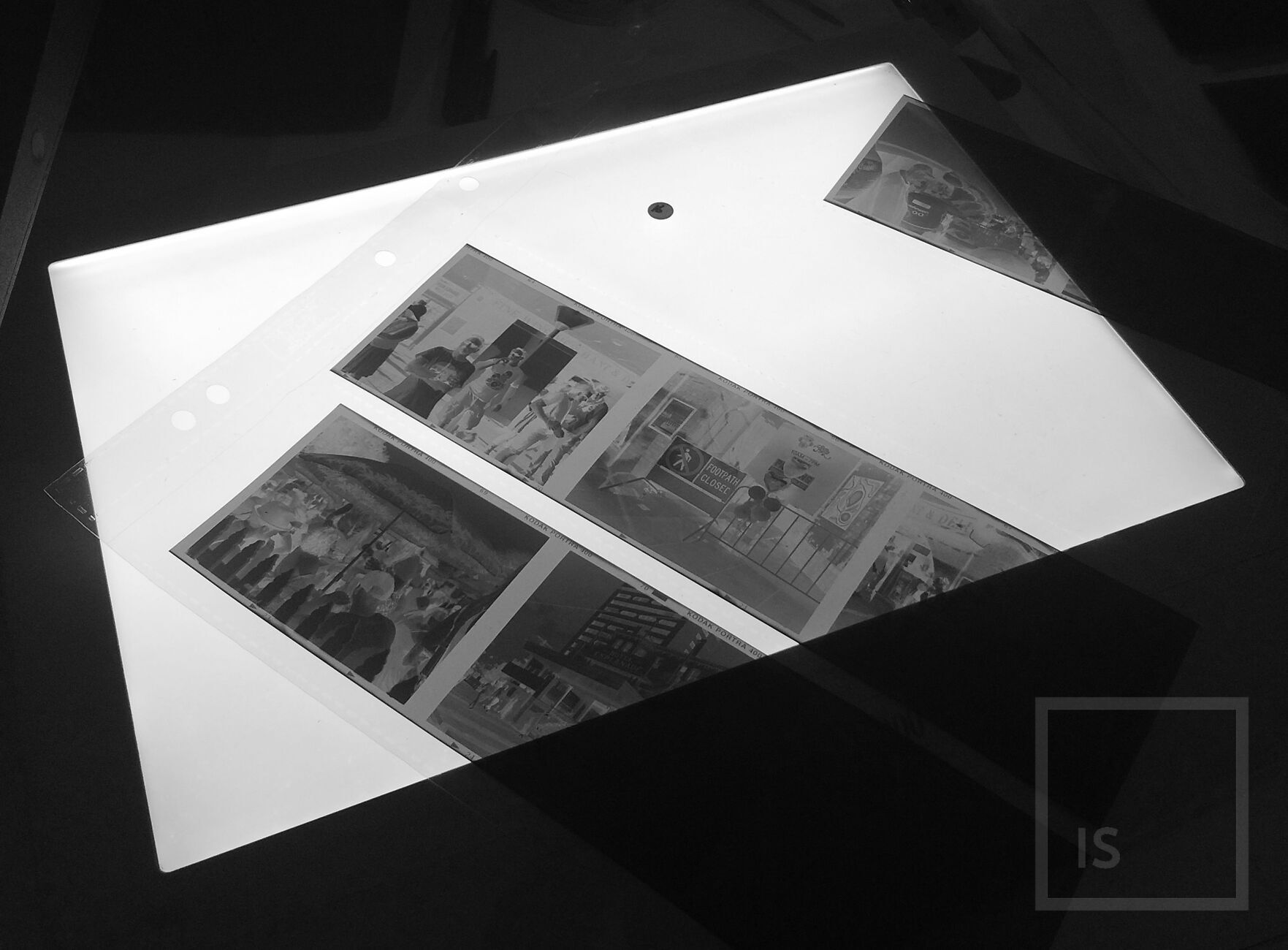
We Do Not Accept Whole Uncut Rolls!
When scanning on the Imacon Flextight 949, we can only scan images on the edges of short strips - so make sure your film is in strips of:
- For 35mm - make sure your film is cut into strips of 4 or less images in length.
- For 6x6 through 6x9 - strips of 2 or less.
- For 6x12 and 6x17 - singles only.
Single frames at any size are okay, however, when trimming (any strips, not just singles) please leave as much rebate as you can around the edges. Failure to do so can result in us having to crop into your image area to give us enough film to hold onto, and/or potential edge softness.
Please either place a sticker on the sleeve above the frame you want scanned, or provide clear frame numbers.
If sending your film to us please just send the film strips you want scanned, flat and in plastic sleeves. Be consistent and clear about which images you want scanned - a sticker or mark on the plastic sleeve is great, as is frame numbers. Make sure you pack your film well - most of our clients use stiff board, like foamcore, to keep their film flat, wrapped in bubble wrap and placed in a Postpak box. Always send via a track-able post service such as Registered Post.
What You Get Back
Here's a key to the files you will receive:
3F RAW - These are .fff proprietary format raw scans - raw data exactly as the scanner produced, for maximum flexibility in processing. We do not make any aesthetic decisions about how we think your scans should look, you retain full control to process them yourself using the free FlexColor software or Negative Lab Pro (paid, but our strongest recommendation as the best option available). Read more about processing 3F files in FlexColor here (and below in our FAQ).
- Flat Processed TIFF (AdobeRGB, 16-bit) - These have been linearly processed in a very flat, low-contrast way, to minimise shadow and highlight clipping, and give you a much latitude in processing as possible, but as some necessary decisions have been made about brightness, colour and tonality, they are less flexible files in comparison to the 3F Raws.
All files are unretouched. Film is cleaned here with pure compressed air before scanning (note we do not do any solution/contact cleaning) but please note you will be required to do some final spot cleaning to get rid of any dust/scratches that remains, and final cropping. We can also do this for you here as part of our separate retouching service.
Positive (non-inverted) TIFF exports straight out of FlexColour (in AdobeRGB) can be made available on request for no extra charge if you require them (eg. you want to process them yourself in PS).
FAQs
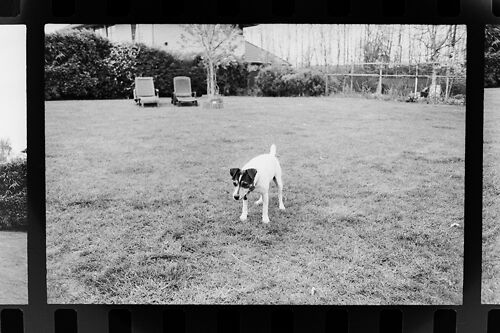
No, the film holders for each film format do crop the image area approximately 1mm on each side. Considering you receive more than you initially saw through the viewfinder when taking the photograph this generally shouldn't be a problem. The holders work like this because they can then hold the image area extraordinarily flat, which results in superior scan sharpness.
Yes - this is the approach we strongly recommend with all colour negative film. Just be sure to request this in the comments section when you place your order.
The Imacon FlexColor Scanner allows you to produce a proper RAW 3F file, which you can then 'develop'.
You can process 3F Raw files in one of two ways:
Our strongest recommendation is the excellent Negative Lab Pro extension for Adobe Lightroom (one off paid purchase).
Alternatively you can use the free FlexColour Software. We can provide this upon request, but it is available for free download across the web.
This allows you to get the best possible results with negative film, as you can experiment with ALL the features & profiles available in FlexColor for negative processing.
To read more about Imacon RAW files click here.
You can process 3F Raw files in one of two ways.
Our strongest recommendation is the excellent Negative Lab Pro extension for Adobe Lightroom (once off paid purchase).
Alternatively you can use the free FlexColour Software. We can provide this upon request, but it is available for free download across the web.
While we can't offer support/training for FlexColor and you'll have to learn on your own time, it's not hard and a basic approach is this:
- Download the FlexColor software - register here to do this: http://www.hasselblad.co.uk/service--support/technical-support/software-downloads.aspx
- Download the manuals from http://www.hasselblad.co.uk/service--support/technical-support/manuals.aspx - you will need to review these to use the software properly, and understand the steps below.
- Install the software.
- Install the extra film negative profiles also found in the installation package.
- Run FlexColor - use the preferences to put it in 'Scanner Only' mode, and then re-start FlexColor.
- Now you must use the 'ScratchPad' functionality - open the ScratchPad and point it at the RAW files you have received from us. On the PC you can point it at any folder but on the Mac you must put it in the special ScratchPad folder found on your desktop.
- Open a file, and then process it in FlexColor using the various tools - start by experimenting with different base film types (profiles) until you get a starting point you like, then use the other tools (curves etc) to refine to your liking. Remember when you change each base film type to hit the 'A' button to trigger it to apply the new profile.
- Save your completed 'scan' as a TIFF.
- You can repeat this process and do things like two scans, one for highlights, one for shadows, then merge the TIFFs in Photoshop.
- There is a more visual guide to the process here : http://www.bigano.com/index.php/en/consulting/57-hasselblad/155-il-sistema-3f-hasselblad-flexible-file-format.html
You will need to experiment with the software and develop a feel for how it works. Although this may take some time, once you become comfortable with the FlexColour software you will have a very powerful workflow that can give you complete control of your scanning outcomes.
Your files may initially look a little flat compared to other scans you have had done. This is deliberate, and because the final black and white points have not yet been set. We prefer not to clip your scans as this gives you more detail and flexibility over your files - you retain the control of your images so you can make the best prints possible.
Read more on our Scanning Methodology here.
All 35mm film can be scanned in mounts. All other film sizes must be removed from any mounts by you before you supply them to us.
We clean your film with high velocity pure compressed air before scanning. The compressed air removes loose major dust particles, but some final minor spot cleaning will still be required after receiving your scans.
We do not wipe your scans as the risk of scratching them is too high so if you have really old or dirty film we advise you to clean your film yourself before getting it scanned, see below for details.
You will need to do final digital dust and scratch cleaning on all files. Typically this takes about 5 to 10 minutes per frame for film in good condition. We can also do this for you here as part of our retouching service.
PEC-12 is a non damaging, archival, film cleaning product and the best option we've found, especially when used in conjunction with PEC pads, (very soft lint free disposable wipes). It's not cheap but a little goes a long way. You can buy this online.
Generally no. We offer a super high quality individual frame film scanning service where film needs to be hand loaded, frame by frame, for each and every scan.
Our prices are higher than some bulk scanning services that typically use much lower quality scanners, that auto-load and auto-process the scan files. That kind of service is useful when you just want a fast turn around and low cost 'finished product' so to speak - but comes with the drawbacks of significantly lesser scan quality, lower resolution, over cropping, loss of details (in highlights and shadows, as a result of auto-processing) and a higher risk your film will be returned with scratches.
When the level of quality our scans provide is required for a very large job we may be able to offer some bulk discount, but due to the manual process involved you would need to accept a potentially lengthy turn around time (potentially weeks, as we must prioritise non discounted work).
All potential discounts are assessed on a case by case basis contingent on the type of film you have, your deadline, how busy we are at the time you place your order, and any other special requirements you may have.
If you have a very large job you can contact us to give you a quote as we may be able to offer you a discount depending on our current workload. Note that discounted work is only done after all full price work is cleared from the queue, so you should only ask if your job is also not time critical.
All information regarding file size and print dimensions for scans can be found here.
We are happy to scan directly into your preferred colour space - just let us know when you place your order. Our default colour space is Adobe 1998 RGB as this is the industry standard, as defined by the AIPP and ACMP digital guidelines.
We only scan at 16 bit which allows for more detail, smooth tonal transitions and an overall better quality result.
8 bit scans are less malleable and can lead to banding issues, especially if you're processing heavily after the initial scan.
Read more on 8 bit versus 16 bit scans here.
We will never interpolate your files. We only ever scan at the native optical resolutions of the scanner.
We can scan mounted film (35mm film only).
However, we do recommend you unmount your mounted film, if possible. The entire principle of virtual/drum scanning is that the film is gently bent during scanning such that, at the point of bending, that portion of the film is perfectly straight and parallel to the lens/sensor plane. The film is then moved 'line by line', held perfectly flat, over this point. This is what allows drum scanners to achieve noticeably sharper results, particularly at the corners, versus flatbed or desktop scanners that do not bend the film.
Of course, if film is mounted, this can not occur, and we need to use a special holder for mounted film. This means the films natural tendency to curl across it's plane will not be solved by this over-the-drum bending process, and thus scans from mounted film will be noticeably less sharp (particularly towards the edges) - than scans from unmounted film. This difference would likely only be of importance with larger prints (over A3, say) - but generally we recommend a 'scan once, scan best' approach, so it is best to unmount your film, if you're willing.
Please note, due to the potential for damage, we do not offer this as part of our service - the film must arrive to us unmounted if you want it to be scanned unmounted.
Yes, we'll send you a download link when your scanning job is finished.
The exception to us providing a download link is for super large jobs where this is just not practical, in which case we'll ask you to provide a hard drive or USB for your scans.
Yes we can. Modern scanners are best with E6 but still do very well with other film types. It's likely you'll have to do a little more colour work in your post processing though.
- Step one is to check your files and back them up to other media.
- We keep your files on our server for about a month after your scanning job, so let us know if there are any errors.
- Crop the image to the desired crop.
- Set the black and white points using a curve adjustment and make any other global contrast/colour adjustments required.
- Clean the background layer of any remaining dust and scratches.
- Make any other localised adjustments if required.
- Save (And backup!) the master file as a PSD or TIFF
- Soft proof for your printing process using an accurate ICC profile (profiles for our printing service are found here)
- Make any final layer adjustments.
- Flatten the image and size appropriately for your print process (eg. ideally 300PPI as a rule of thumb for prints).
- Sharpen if desired, and send for Print.
We recommend the excellent Ikigai Film Lab.