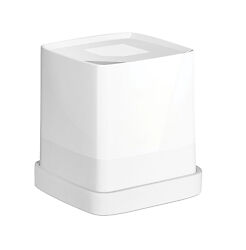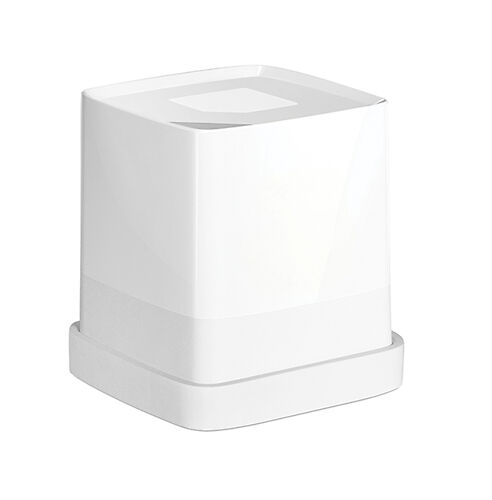
Palette Cube Portable Colour Digitizer
Very slick spot colour measuring and matching device - designed in Melbourne!
▪ Free Shipping - this product ships free!Please note that we are open by appointment only (except for click and collect pickups once notified ready).
A review of the Palette Cube portable colour digitiser, including what it is, what it does, who it's for, and an evaluation of operation and performance.
Palette is an Australian success story - the sort we'd like to see much more of!
A Melbourne based start-up company, they used crowd funding to produce their impressive flagship product, the Cube - a portable colour digitiser. Formally known as Swatchmate, the company re-branded to Palette after strong growth within the first 12 months and have not looked back since.
We worked with them in the early days of product development, helping them with measurement data and the supply of some equipment, and we've been following their progress as they've matured from 3 university students with a dream to an impressive young company.
The Cube is nothing short of excellent - a very slick, portable, spot colour measuring and matching device, whose performance, usability and accuracy we’ve never seen from any other device even close to this price point.
Since the release and subsequent success of the Cube, Palette have released an even smaller unit called the Pico - about the size of a lipstick - which we will be reviewing also, very soon. Stay tuned for that.

Put simply, the Cube is a nifty spot colour measuring and matching device. While primarily aimed and marketed towards paint matching, interior design, decor, and graphic/product design industries, it’s uses and applications are endless, and it's a super handy tool for anyone who loves or works with colour! We’re even seeing a big uptake by the beauty industry of late.
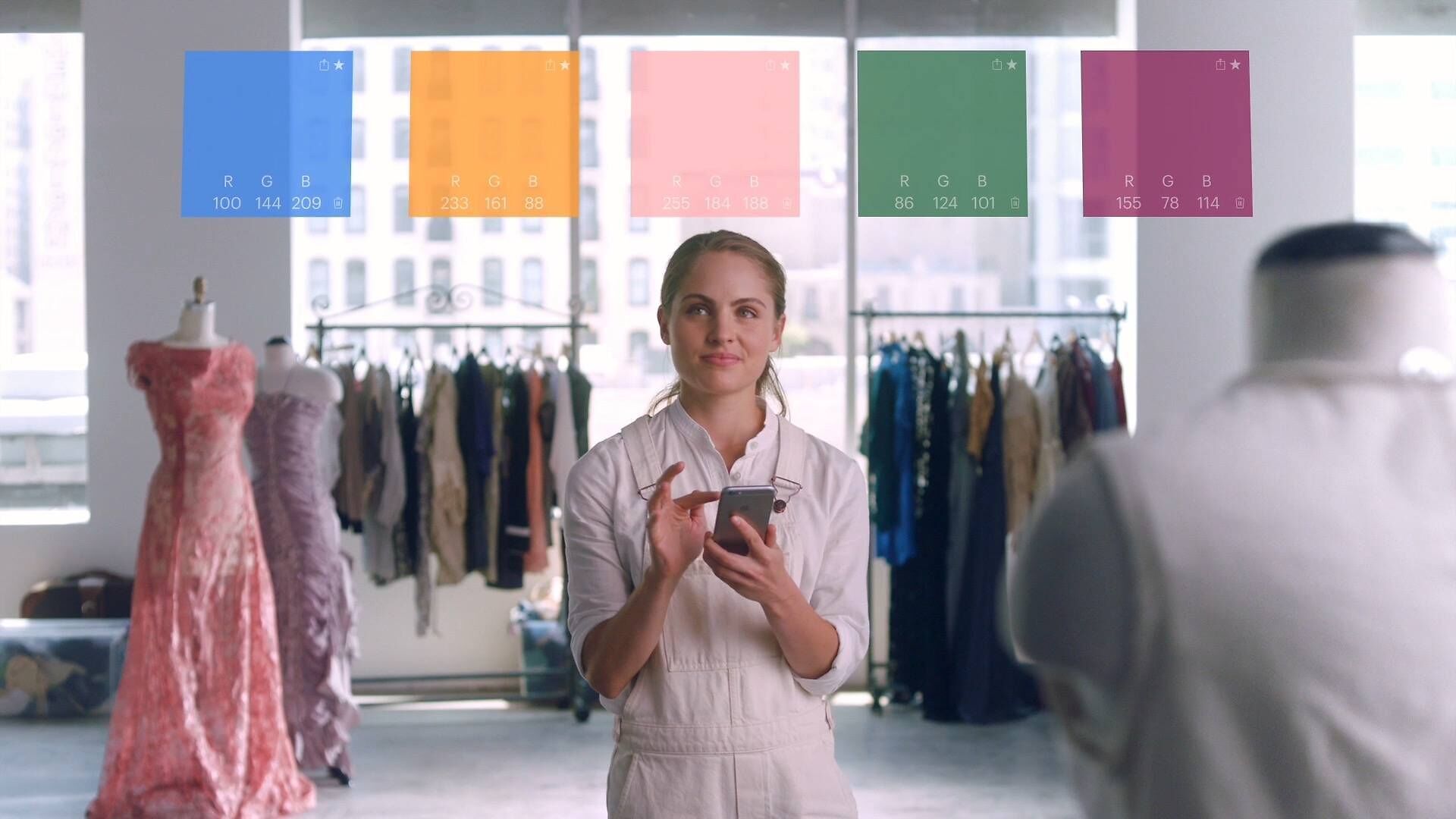
You just pop it on the colour you want to read, click the button, and up on your mobile comes the exact colour including paint swatch matching (to over 50 libraries), and even precise numerical details (RGB, CMYK, LAB etc). You can then use the precise colour easily in any way you can imagine.
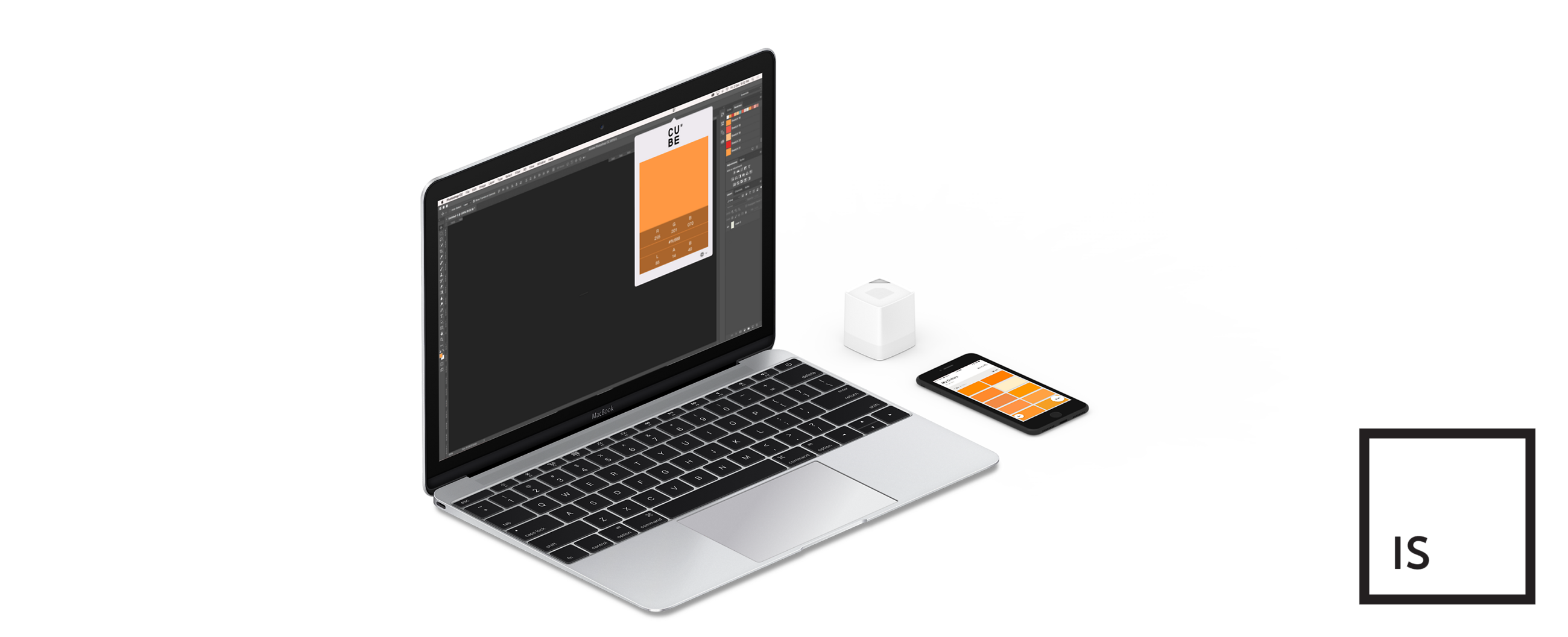
The Palette Cube allows you to capture colour from any surface or material and store the colour by syncing through mobile and desktop applications. The cube allows you to classify colours to match a host of over 7,500 digital colour profiles, including Pantone, Dulux, Wattyl and many more colour libraries and systems. It can even sync directly into Photoshop!
The cube can capture basically anything flat that is not super shiny or fluorescent (including skin and things like leaves!)
It’s a great and very well priced product (the Pantone sort-of-equivalent runs over $1000!) - is very slick and was designed right here in Melbourne. It's great to see a local success and the really excellent result of all their hard work.
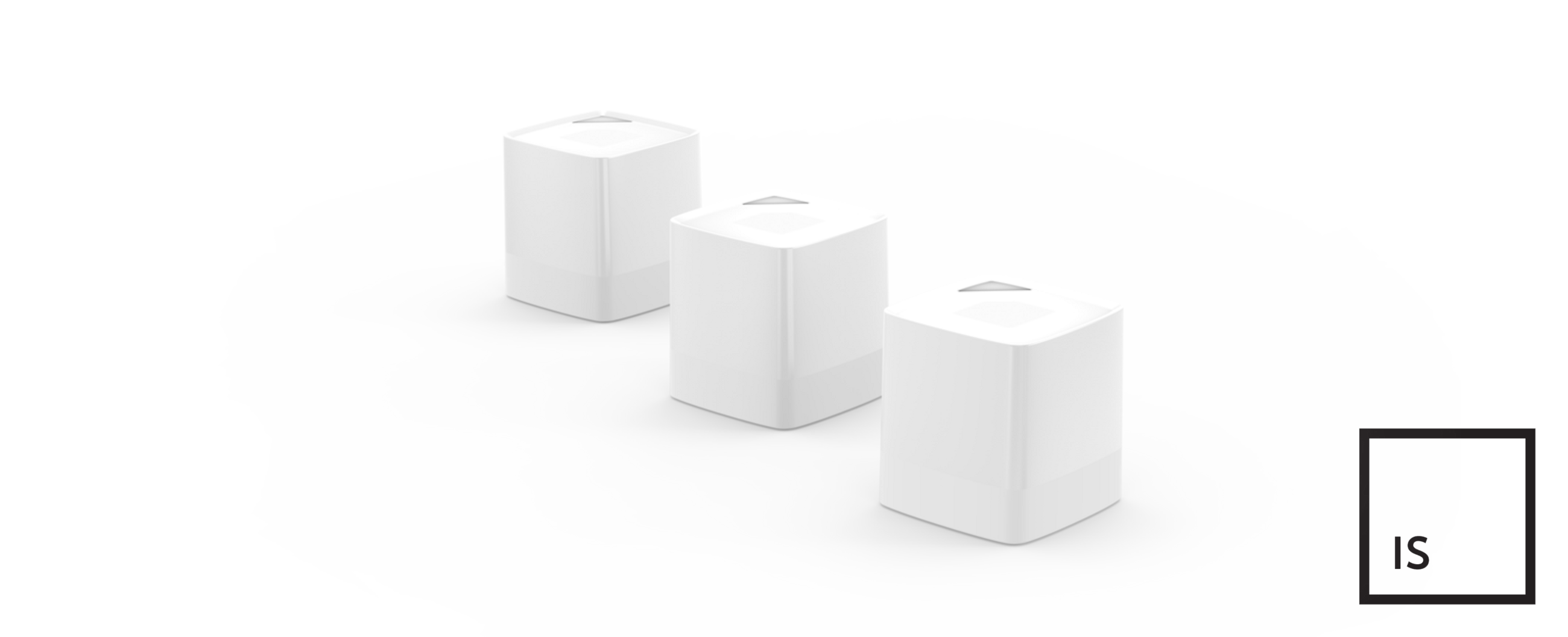
From a technical aspect, the Cube almost stands in a category of it’s own, there’s not too much else like it out there. Let’s be clear, it’s definitely not a scientific instrument like a spectrophotometer - but it’s also not claiming to be. If you’re intending to use it as a budget spectro for high-accuracy colour analysis, then you’re going to be disappointed. It is however, fantastically accurate for it’s intended purpose.
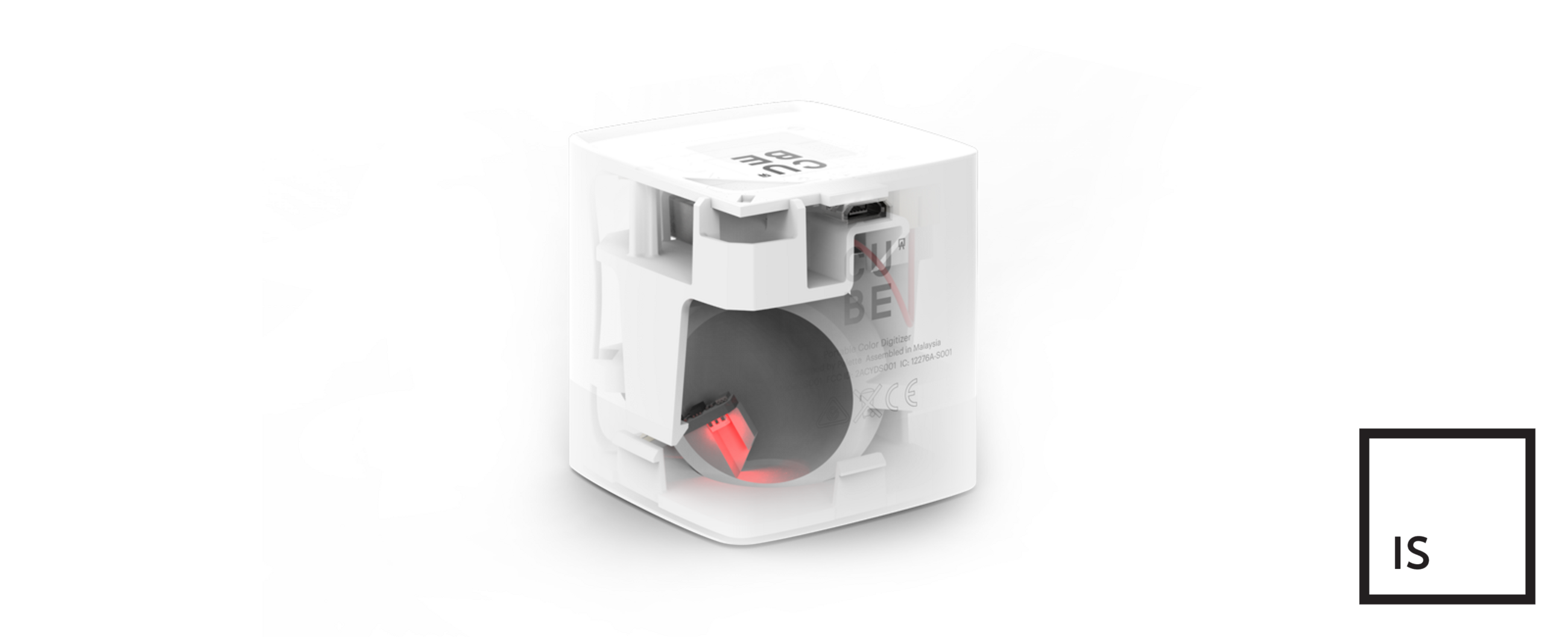
Broadly speaking it operates on similar tristimulus principles as a colorimeter - this is, it has individual red, green and blue diodes that are powered sequentially and shine onto the sample, it then reads the amount of each colour of light that is returned from the sample in turn, and builds a very accurate numerical colour definition of the sample.
The Cube does this measuring through spherical interface geometry - an internal hard-finish integrating sphere that distributes the reflected red, green and blue light uniformly across it’s internal surface that allows for very accurate measurements.
Palette claims an “Average accuracy 1.0 delta-E”. While not explicitly stated, this figure is specified in the ∆E76 standard, and is based on testing derived from the Dulux Colour Atlas range. It has specifically been designed to be more sensitive on near-white colours, which are often the most critical to get right, and are also the type of colours indicative of mixed paint (i.e. according to the physicality of how paint is tinted/mixed down from a white base). If we’re nitpicking, the unit does definitely show some reduced performance on very dark or extremely saturated colours, but those sorts of colours tend to make up a minority of it’s intended target field of colours and uses. Some of this reduced dark-tone accuracy/performance (particular on dark fabrics in our testing) I expect (and this is my speculation only) is coming from the limited peak luminance of the emitters - they’re just not bright enough to provide enough illumination to reflect back off really dark and dense ‘light trap’ type materials like very dark woven fabrics.
All in all, it's honestly pretty amazing to get the level of accuracy the Cube shows at it’s price point - nothing else even comes close!
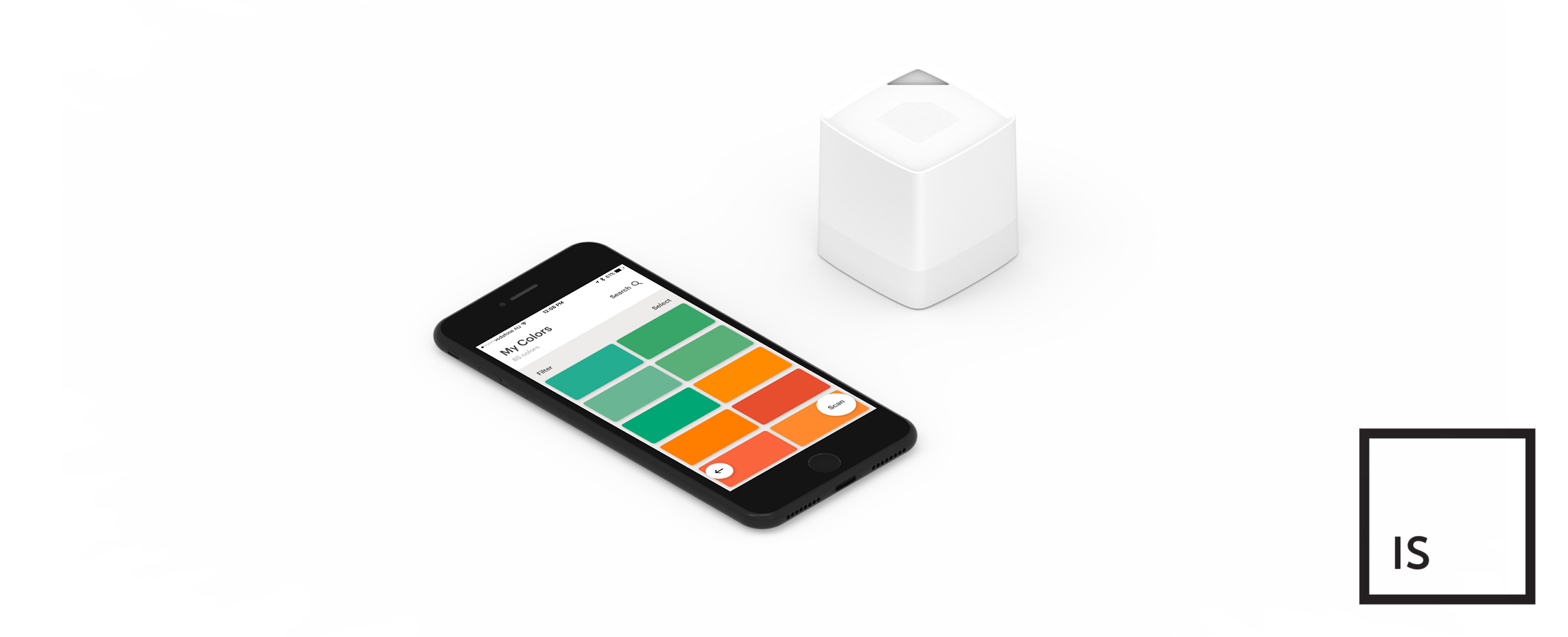
You just pop it on the colour you want to read, click the button, and up on your mobile phone comes the exact colour including paint swatch matching (according to any of over 50 user selected libraries, eg. Dulux, Wattyl), precise numerical details in RGB, CMYK, LAB, LRV and HEX. You can then use these values in an nearly endless number of ways.
The Palette Cube allows you to capture colour from any surface or material and store the colour by syncing through mobile and desktop applications. The cube allows you to classify colours to match a host of over 7,500 digital colour profiles, including Pantone, Dulux, Wattyl and many more colour libraries and systems. When plugged in over USB, it can even sync directly into Photoshop.
The app also gives you various colour palettes based on the measured colour, think Analogous, Triadic, Complementary, Split Complementary, and Tetradic colours - a fantastic feature if you’re a designer!
Features:
One point I will say, is that you really just can’t judge the accuracy of the Palette measurements by simply visually looking at the measured result preview/matching paint swatch on your phone/tablet/computer monitor. It’s important to be clear that this is no fault of Palette - the Palette products are far more accurate than typical consumer electronics, so even if you think you have a 'good device' (iPad, Macbook, whatever...) - the reality is that those devices are simply not colour accurate devices, so the displayed swatch on screen will almost always look different to the actual thing you’re measuring (and especially so if you're not using a proper imaging monitor that is properly calibrated). You simply need to trust the cold, hard numbers in this case.
The Cube is definitely aimed primarily towards paint matching, but is also super useful for the many design industries: interior, decor, graphic, and product to name a few, but it’s uses and applications are basically endless.
For the price, it makes a super handy tool to just keep around for anyone who loves or works with colour.
Perhaps you’re an individual or a business involved in custom paint matching and mixing, the Cube gives you the ability to scan a physical painted thing (eg. that your customer brings to you), and then interpret the scanned values into the necessary paint tinting formula to match the object they’re trying to replicate, it removes the guesswork and inaccuracies related to visual analysis, and roots results firmly in the unwavering numerical.
Or maybe you’re a designer (of any sort): products, graphics, interiors, decor, or fashion. The Cube lets you capture real world colours and then super easily implement them into your design or product. Walking down the street and see some eye-catching graffiti? You can scan it and use it later however you like. Got a swatch book of colours you’re looking to leverage? You can physically sort through until you find the ‘right’ colour in the physical realm, and then scan it and use it in myriad of ways super easily in the digital realm, all without any annoying subscriptions or proprietary integrations (I’m looking at you Pantone Connect licensing!).
We’re actually even seeing quite the uptick in use from the beauty industry of late, for skin tone analysis, and makeup colour matching and the like. Whilst there isn't native support for a skin tone ‘library’ in the app (yet?), Palette did do a fair bit work with a few of the big industry leaders early on to make sure it works for that too.
Palette even generously provides SDK/API access for development purposes, so that any company can build their own colour database and integration for use with the Cube.
Palette have really followed through with excellent software and apps to accompany the Cube.
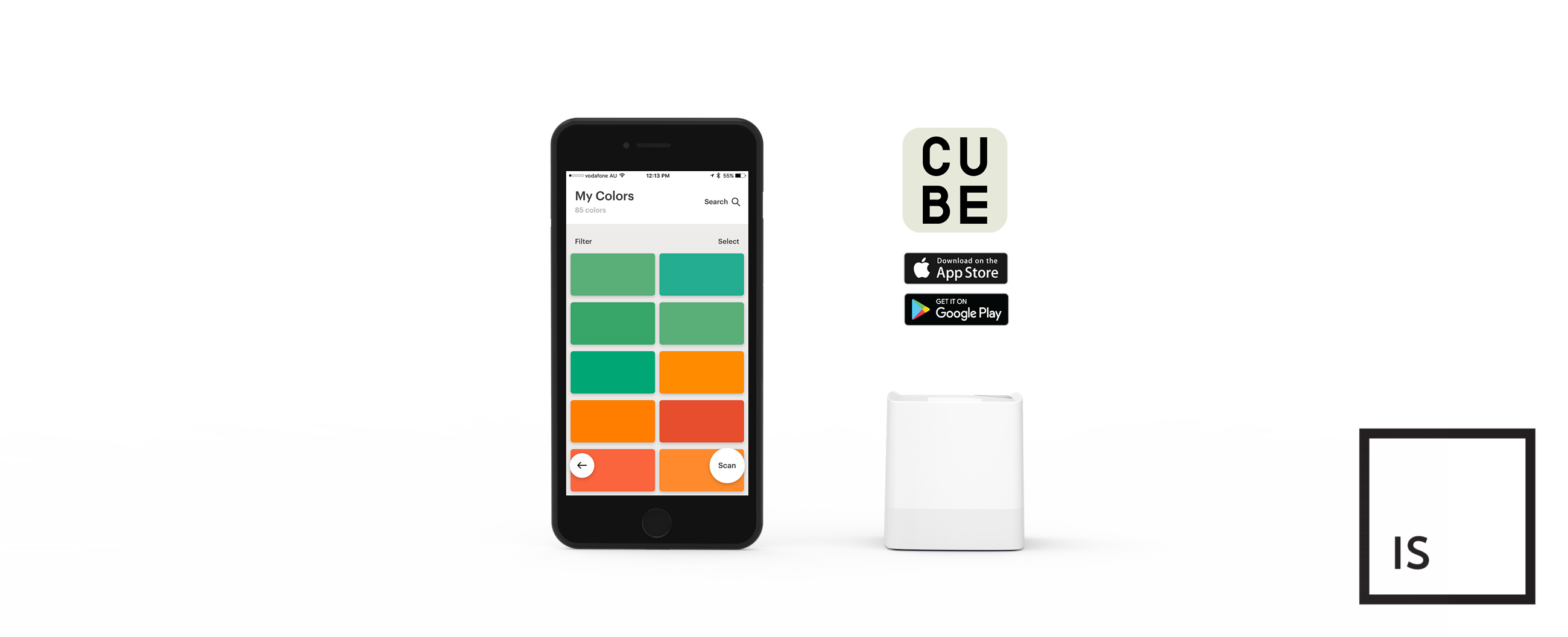
The ‘Cube Companion App’ (available for Android and iOS) is very slick, quite intuitive and powerful.
The app allows you to classify colours to match a host of over 7,500 digital colour profiles, including Pantone, Dulux, Wattyl and many more.
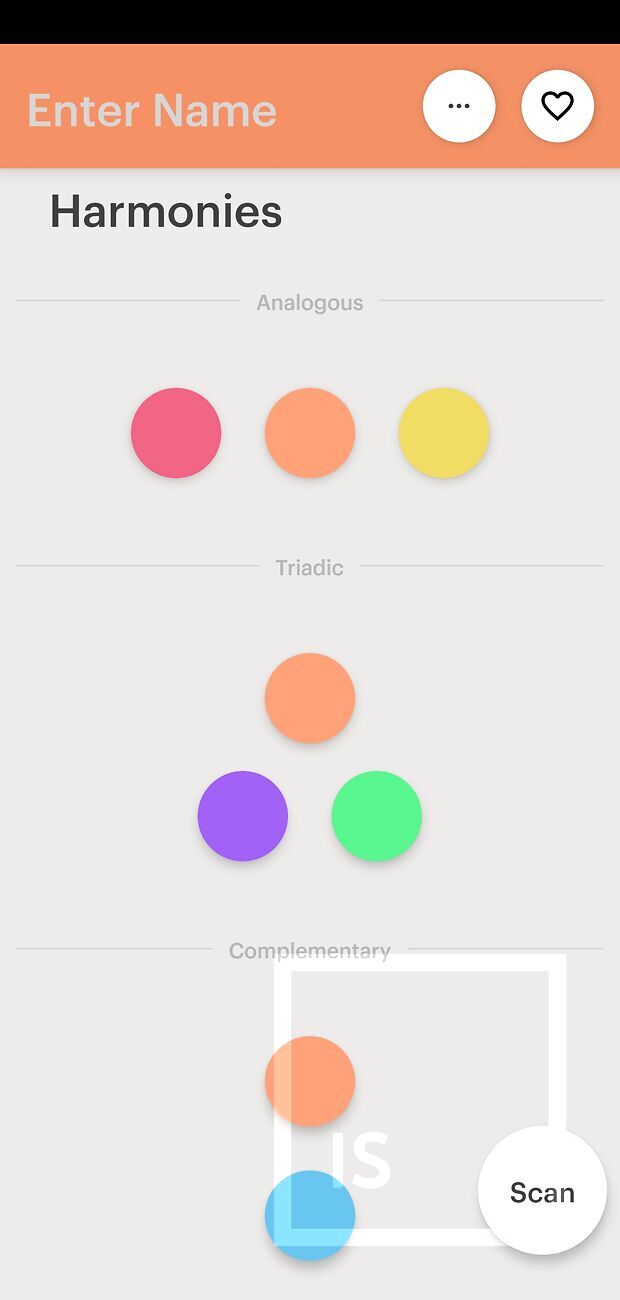
After a measurement is taken, the app gives you various colour palettes based on the measured colour, think Analogous, Triadic, Complementary, Split Complementary, and Tetradic colours - a fantastic feature if you’re a designer!
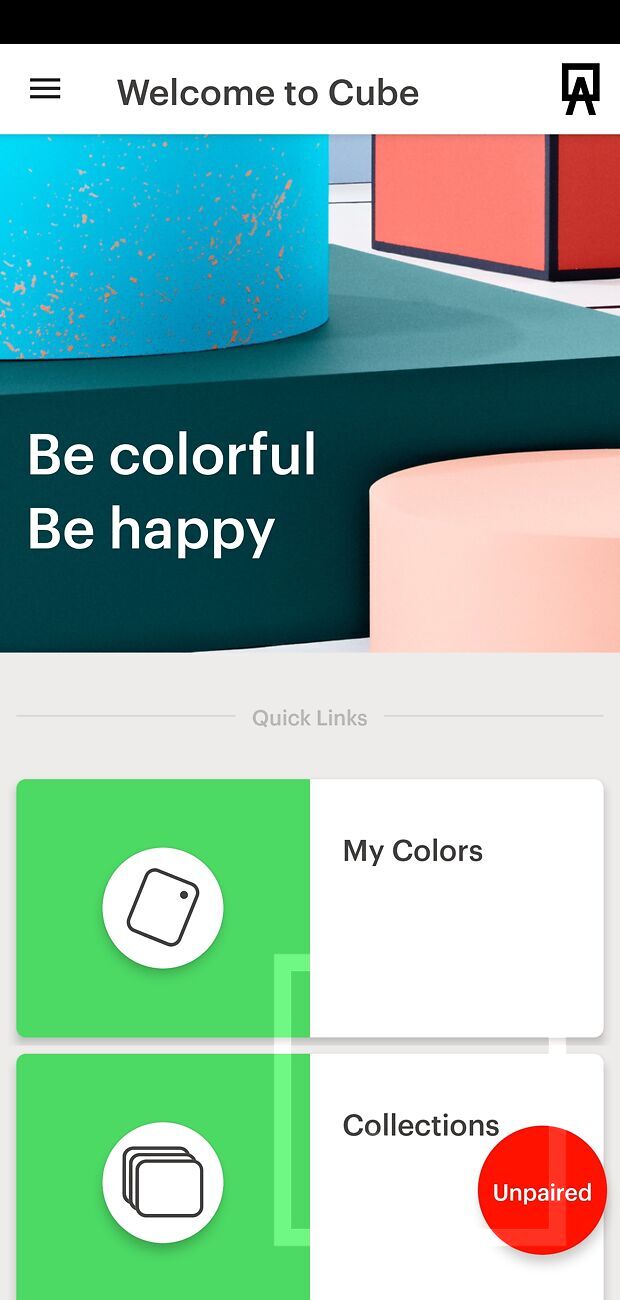
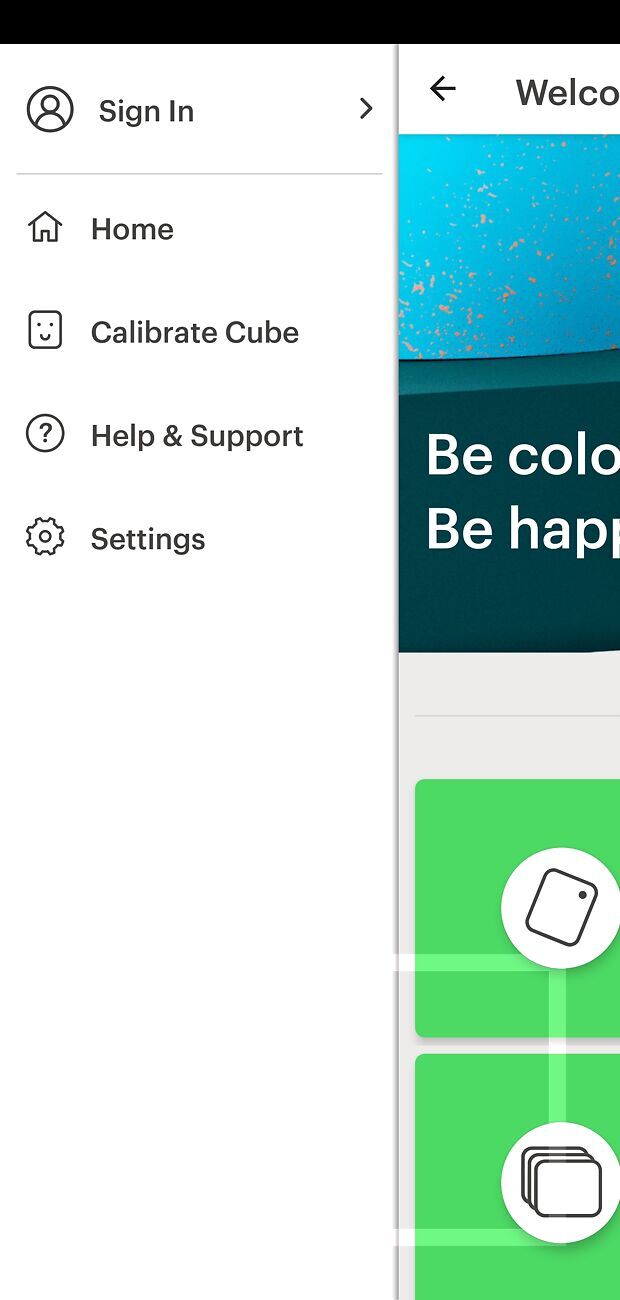
Starting with the main homescreen of the app and the sidebar (accessed with the hamburger menu button top left):
The sidebar options include:
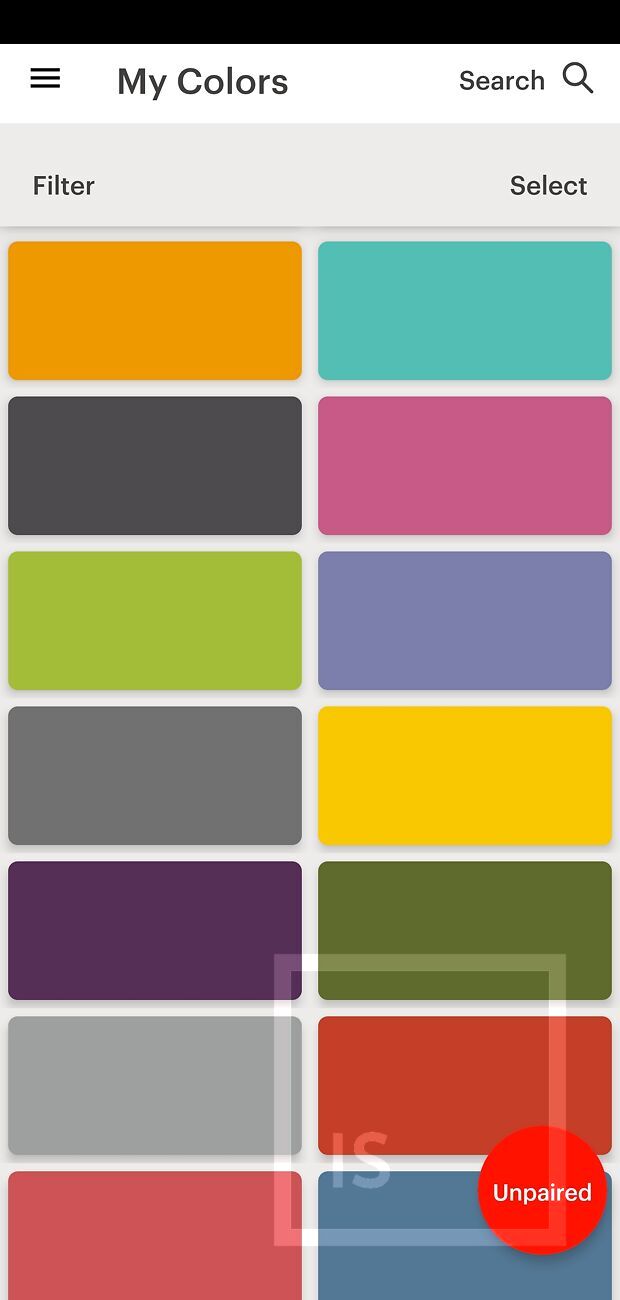
Back on the main homescreen, 'My Colors' takes you to a library of previously scanned colours/swatches, which can be analysed just like the normal results screen.
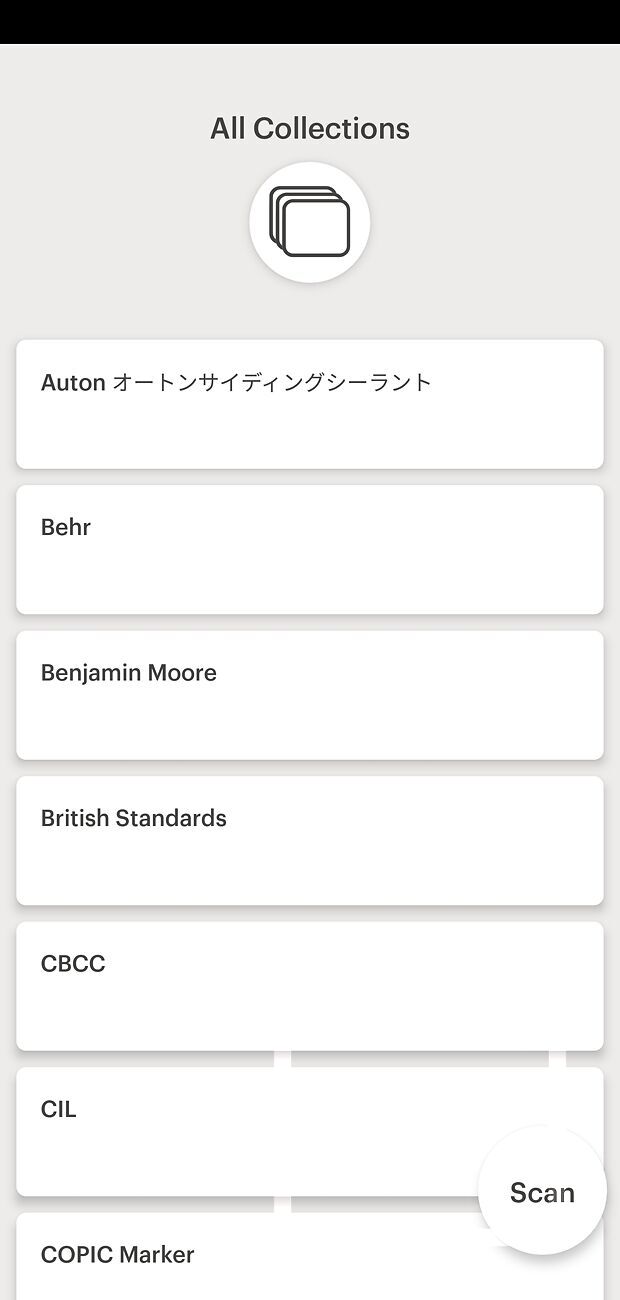
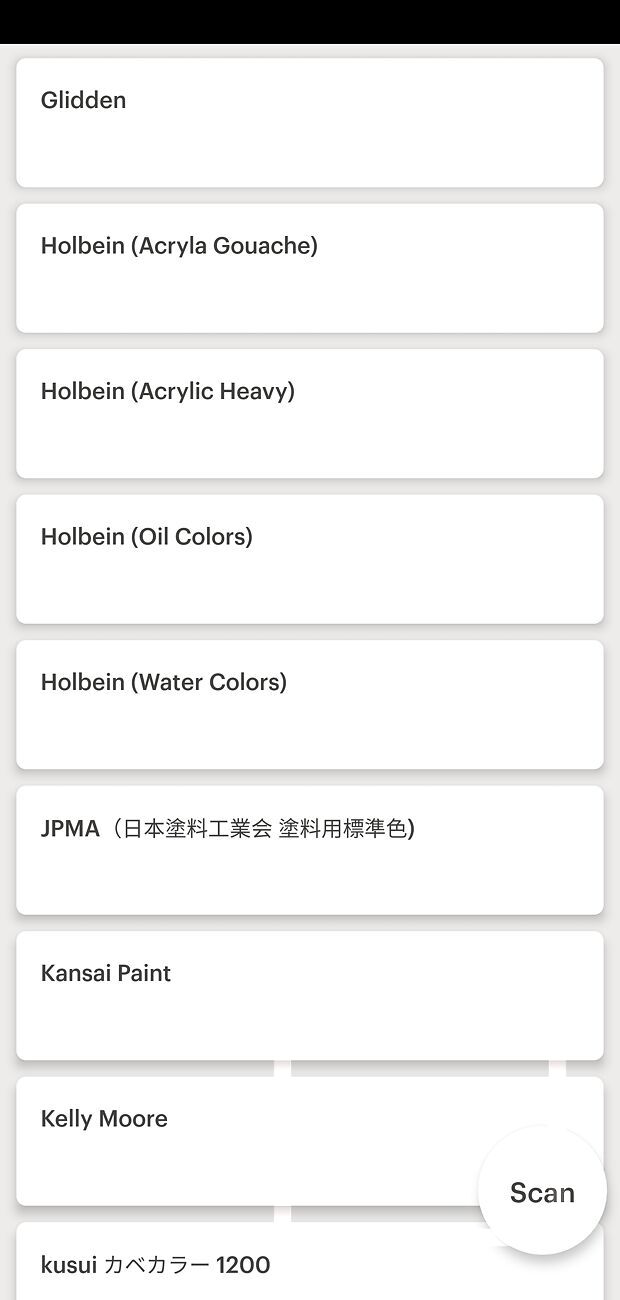
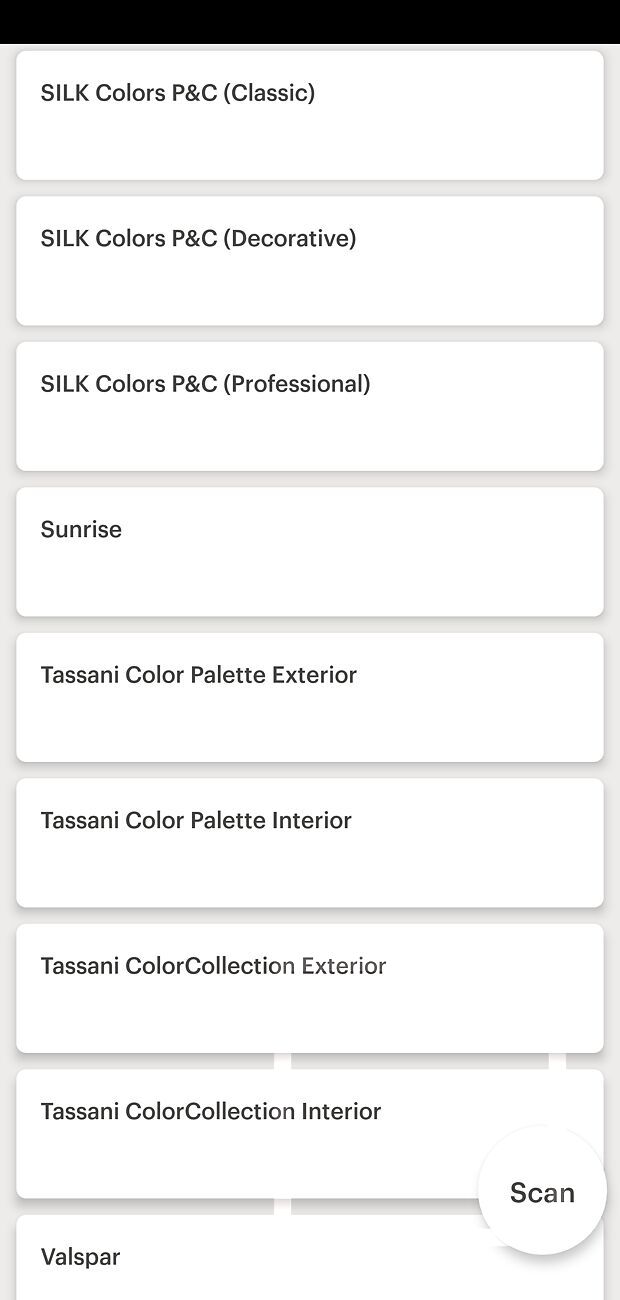
Again, back on the main homescreen, 'Collections' takes you to a list of all available colour systems/libraries/collections that you can choose from.
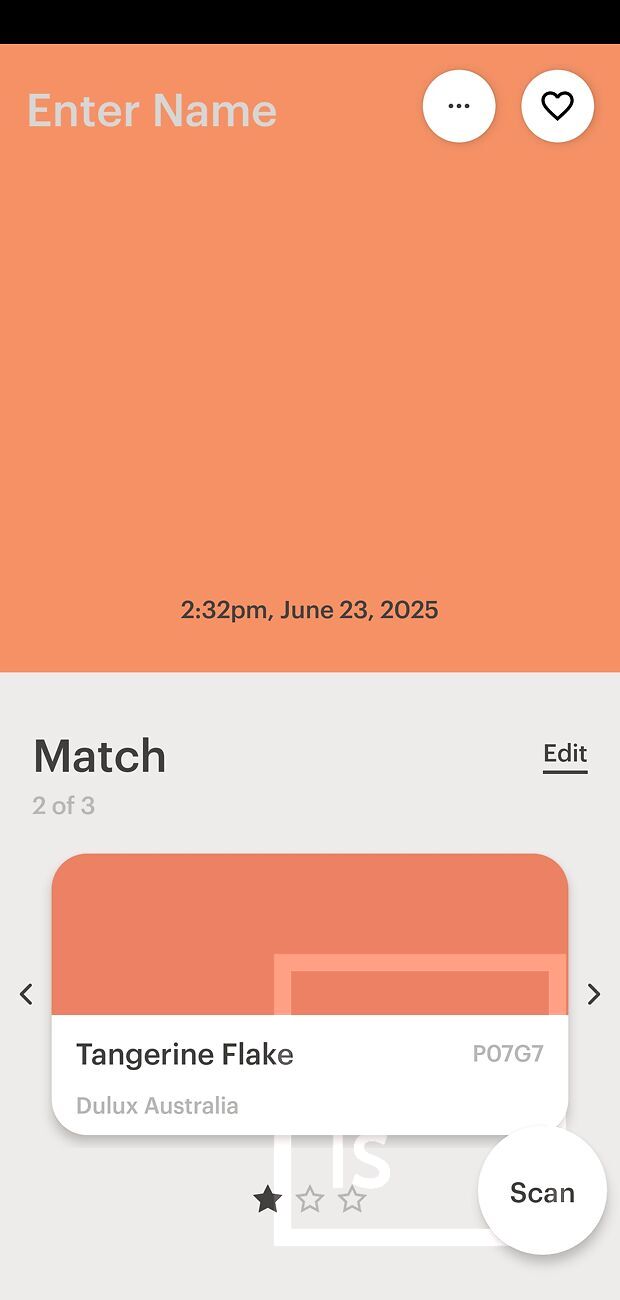
Back on the main homescreen, the 'Scan' button at the bottom right will take a measurement (as will pressing the button on top of the cube). After a second of measuring you will be presented with the results screen. At the very top it will let you name your colour scan for reference, has various sharing options, a representation of the captured colour, time and date of capture, and below it will give you the three closest pre-existing paint swatches in whatever system/collection you have selected (I have Dulux selected in this example, giving Candyman, Tangerine Flake, and Hibiscus Delight).
Clicking on the main captured colour swatch will make it fill the screen, and clicking 'Color Data' is how you access the all important numerical data
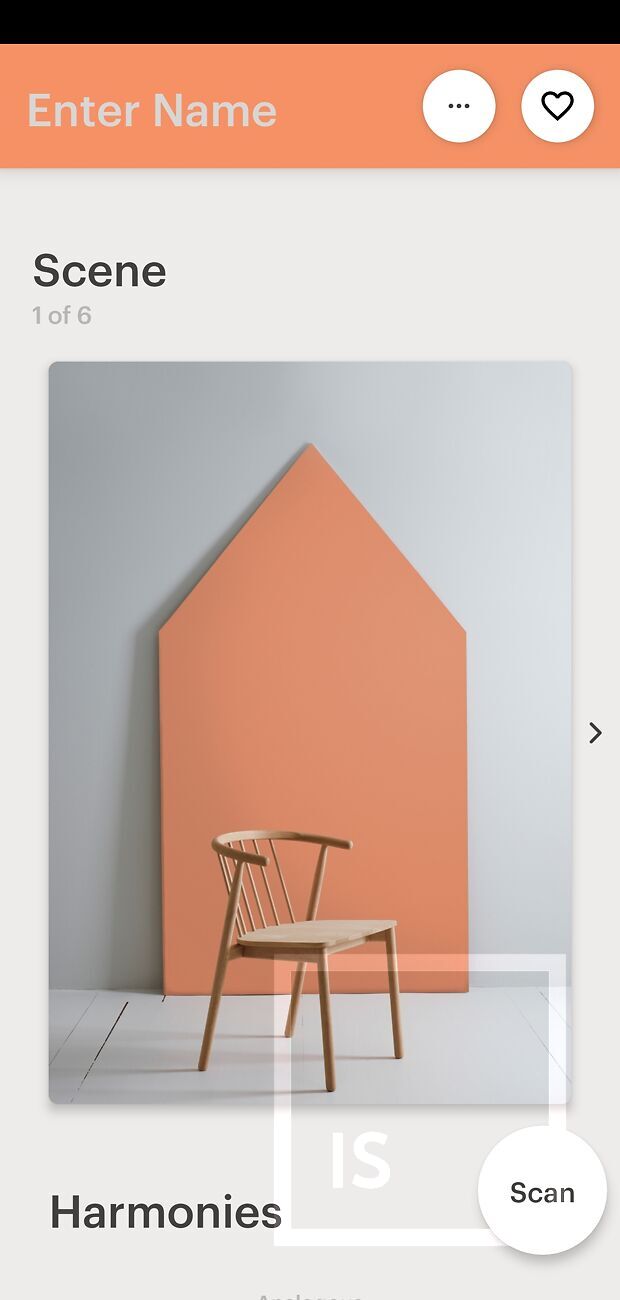
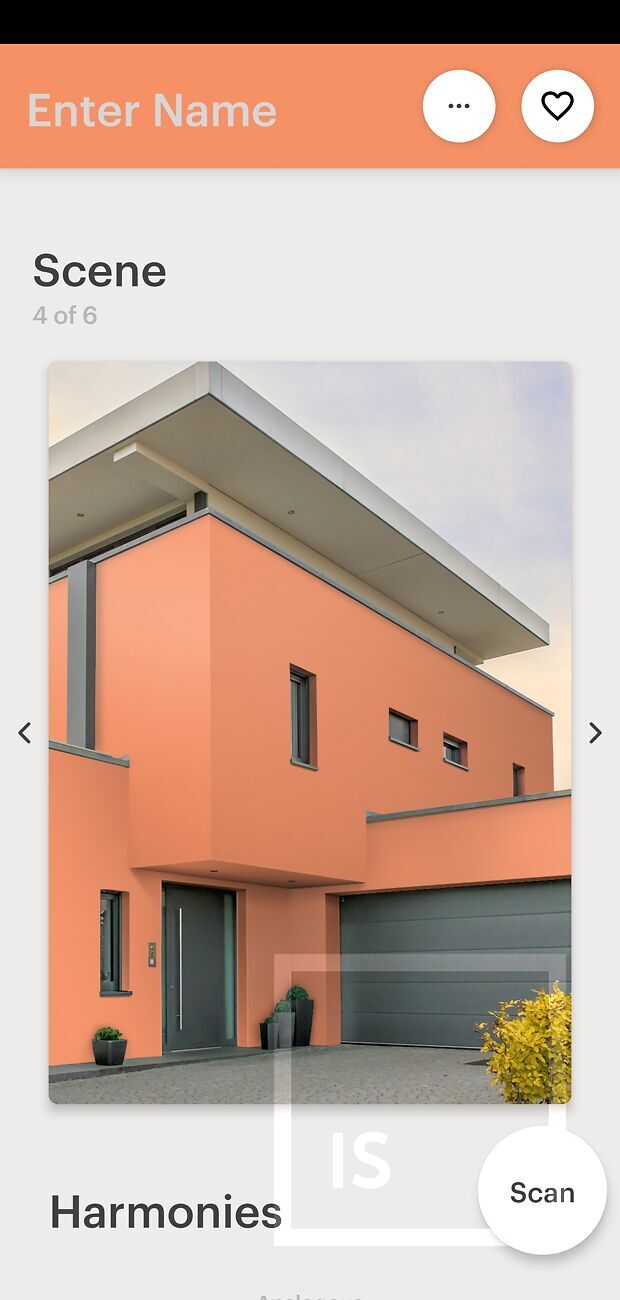
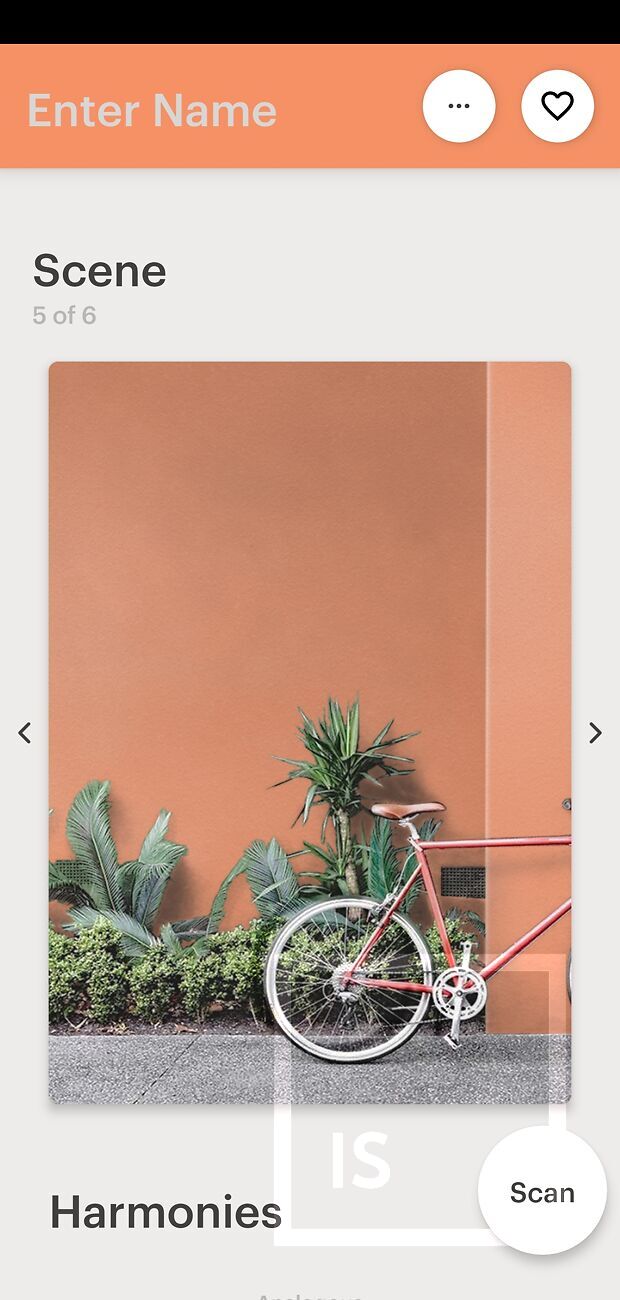
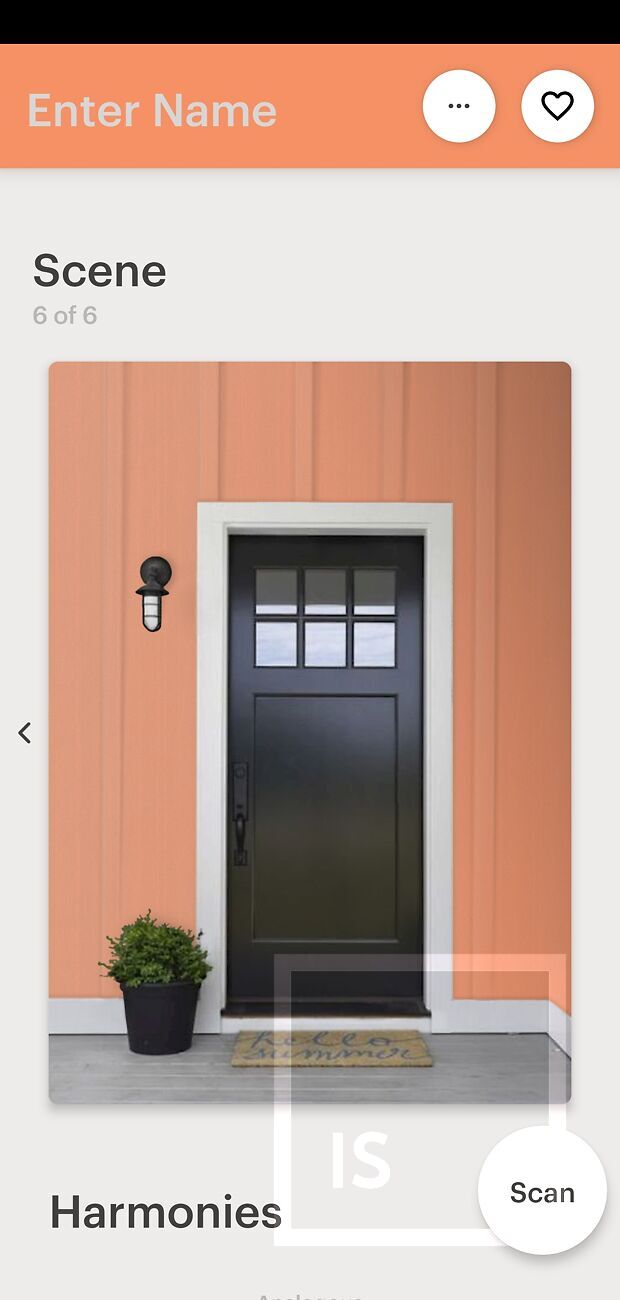
Back on the results screen, scrolling down will give your six scene mockups with your captured colour in them:
Scrolling further down will give you various colour palettes based on the measured colour: Analogous, Triadic, Complementary, Split Complementary, and Tetradic colours - a fantastic feature if you’re a designer!
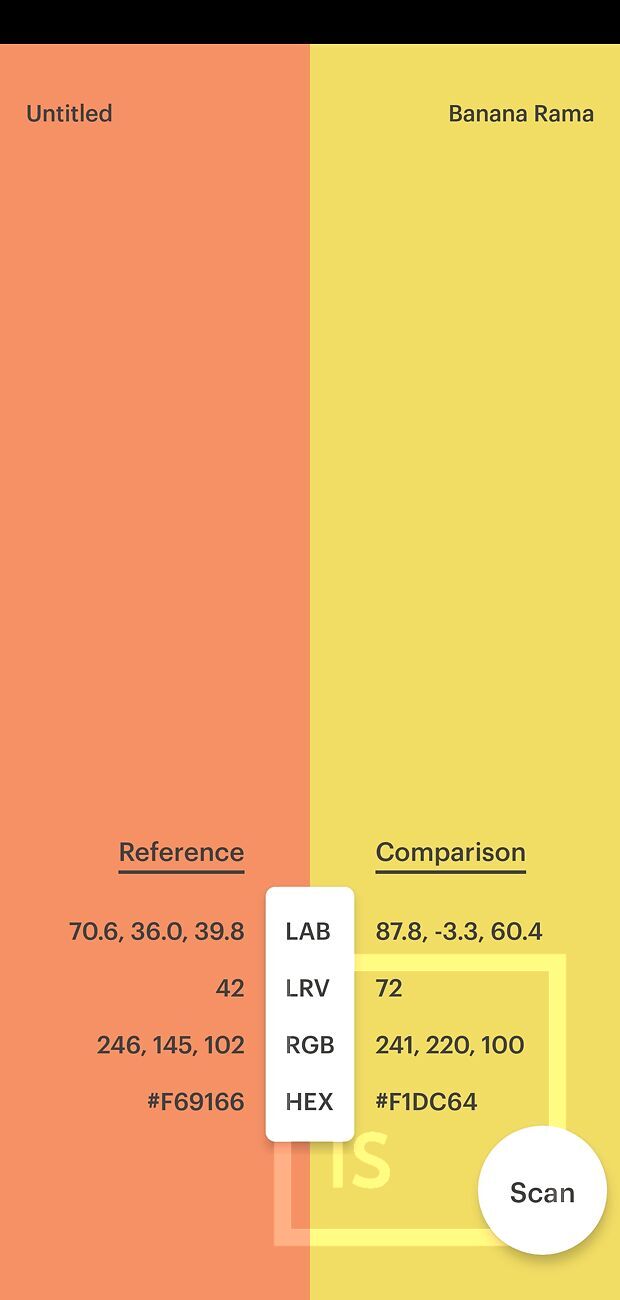
Clicking on any of these colours will let you side by side compare.
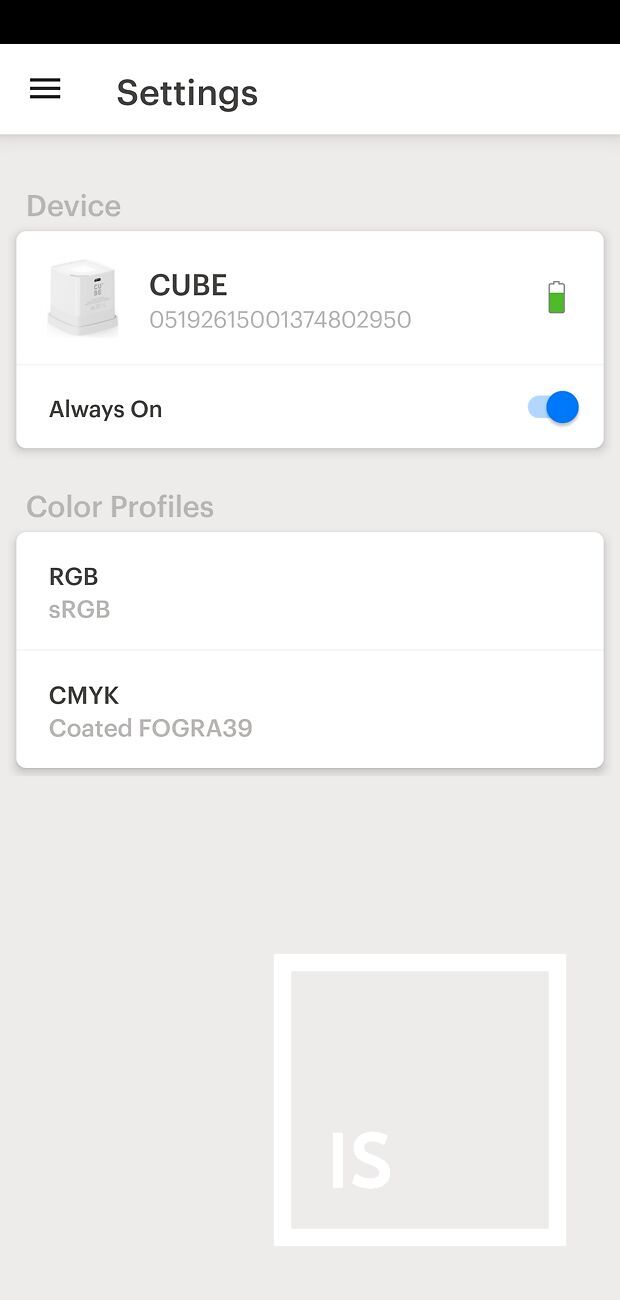
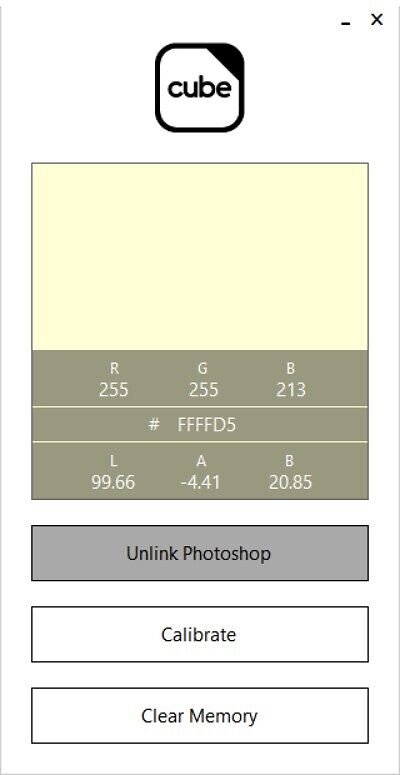
You can also install the Cube Link App for desktop applications. This links directly into Photoshop's swatch library. The app can also be used to calibrate the cube.
Average accuracy 1.0 delta-E
All in all, the Palette Cube is an outstanding product and a prime example of how smart design, innovative thinking, and user-focussed development can combine to produce a genuinely game-changing tool. Whether you're a designer, paint specialist or just someone with a love for colour, the Cube delivers a very compelling and professional-level experience in a compact, affordable and well thought out package. From its slick and intuitive app and integrations, to its broad range of colour collections, to it's surprising accuracy and multi-industry versatility, it's clear that Palette have built more than just a cool gadget - they've built a truly useful tool that seamlessly bridges between the physical and digital worlds of colour.
While it's not intended to replace specialist scientific equipment like a dedicated spectrophotometer for high-end colour-critical work, it more than delivers in it's promises for creatives, professionals, and enthusiasts alike. And with the introduction of the even smaller Pico unit that we'll be reviewing soon, it's great to see Palette continuing to innovate. We're proud to have been a small part of their journey and can't wait to see what they do next.
If you work with colour, this is one tool you'll really appreciate having in your kit.