Please note that we are open by appointment only (except for click and collect pickups once notified ready).

MSI Stealth 14 AI Studio Evaluation

5th September 2024 General Articles

OLEDs are finally beginning to make real in-roads into the monitor market.  Whilst we're yet to see a desktop sized colour accurate monitor with an OLED panel enter this market from a serious colour accurate brand (i.e. Eizo/BenQ) - the distinct feeling is that such a time is, finally, just around the corner.

OLEDs bring a fundamentally different experience to the table to the standard high quality IPS panels we currently have in monitors designed for the content creation market - even those that have 'IPS Black' (like the BenQ PD3225U we looked at recently) or other 'black retardation' technologies (e.g. the current benchmark for all content creation scenarios - the exquisite Eizo CG2700X we have also evaluated).

And, to kill two birds with one stone - since we're so often asked about good laptop choices for this sort of work - we decided to do a full evaluation of a powerful model from a brand that we've noticed is popular with a lot of our clients - MSI - makers of premium content creation and gaming laptops.

So - read on for a full discussion of using a modern, powerful PC laptop - with an OLED screen - specifically for content creation work...


MSI Stealth 14 AI Studio

Introduction

Before we dig in too much to the particulars of this laptop, and in particular the lovely screen and how such a screen impacts creative work, you really should read:

...unless, of course, you are already very familiar with LCD vs. OLED, including emerging technologies like Mini/Micro-LED and dual panel 'Tandem' OLED.

MSI Stealth 14 AI Studio

My Goals With This Laptop

For many creatives, the laptop choice is obvious - get a MacBook.  Whilst I encounter and use Macs on a frequent basis, I am simply not a fan of the Apple closed-garden approach to computing, or the Apple price penalty.  And as I am responsible for the running of _a lot_ of printers, I find certain very [frequently encountered Mac issues] considerably annoying.  Thus for me, a MacBook was never going to be my choice.

But, of course, I do fully understand why folks use them and agree that, by and large, MacOS can often be more pleasant than Windows, especially of late as Microsoft seem to regard Windows as largely an advertising delivery platform.  

In truth I find both operating systems far from perfect, and both companies seem to have forgotten the fundamental purpose of an operating system (i.e. let me run and manage the things I want then very much get out of my way as much as possible).

There's no question that MacBooks are popular in the content creation world - I'd say about a third to a half of our clients use them (of those using a laptop) - and no other single brand comes close in terms of market percentage.  But that means that still over half of the market are using Windows PCs, albeit with that percentage spread across different brands.

The most popular choices for PC using content creators would seem to be:

  • Microsoft Surface
  • Dell XPS
  • MSI

This is, personally, my first MSI laptop, but I have owned more than one Dell XPS, and currently use a Microsoft Surface Laptop as my 'daily driver' laptop (V4, 15").

Recently MSI invited me up to Sydney to visit the MSI 20th Anniversary of Laptops show, and there I was able to see and play with a wide selection of MSI machines.  It's clear they have a real love for both hardcore gaming machines and powerful machines for creatives, and I can see why they are so popular with our customers... see, for example, their line of MSI Content Creation Laptops - see them at: https://au.msi.com/Content-Creation

I mostly use laptops for business stuff (hence not upgrading from the older Surface) - in essence mostly for emails and web apps.  But I have been spending more time in Adelaide in recent years (visiting family) - and thus have found myself at times looking for a more powerful machine on which to do content creation work - mostly things like my Lightroom and Photoshop work.

My personal photo work is no longer commercial, and is thus centred around my hobbies and the thing I most enjoy - nature and wildlife (primarily bird photography and a the odd landscape here and there), and family & portrait work.  A bit of sport work at times, too (rowing).

I've found myself wanting to do my post processing work on the road, in batches as I go, rather than my current practise of leaving it all until I return home, and then doing it on my very powerful desktop.  When I do leave it all to the end, the mountain then seems too large to climb, and the sheer volume of images to deal with becomes an unpleasant burden.

My previous laptops just haven't had the grunt to churn through the number of images I want to get through (...bird photography, in particular, can be a real numbers game!).  And with the advent of GPU accelerated features I use frequently (in particular AI based noise reduction) - I wanted a powerful machine with a discrete GPU, which greatly accelerates this sort of work.

Ergonomically, I wanted a small, light unit with a very good keyboard - because in the end, the vast bulk of my laptop time is still, inevitably, going to be 'talking' with customers - which means a lot of typing!

In recent years I have unfortunately become a sufferer of early onset arthritis and my hands are really painful on a regular basis, so I definitely favour smaller, lighter things (e.g. I shoot Micro 4/3 for this reason), and good quality keyboards.  Creative laptops are usually made to be bigger, which makes sense for most people, and I would normally recommend most people look at the 16" size (as most people, in practise, don't actually carry there laptops around all that much) - but I opted for a 14" unit to keep the weight down, since I will actually be carrying this back and forth on regular trips.

My primary and ultimate output device for this hobby/family photography is actually a carefully tuned 65" Panasonic OLED TV.  Likely because my work day revolves around running Australia's oldest (and most respected) fine art print studio - I'm a bit like the plumber with the broken toilet - in reality I mostly view and show my own photography on screens.  And OLEDs are - and there's no doubt about this - simply the best of all screen technologies available now, from a sheer display quality point of view.  Indeed, I think OLEDs are, currently, quite simply the benchmark for photographic display, in sheer quality terms.

(Of course this is my hobby stuff - I still adore the tangible and physical beauty of a fine art print for proper, serious, artwork - don't misunderstand me!).

So, I wanted an OLED screen on my laptop, to give me the best match to my final output, but also so as to explore this emerging monitor technology in more detail, and assess how it impacts creative work.

(A1VGG-045AU)

The MSI Stealth 14 AI Studio

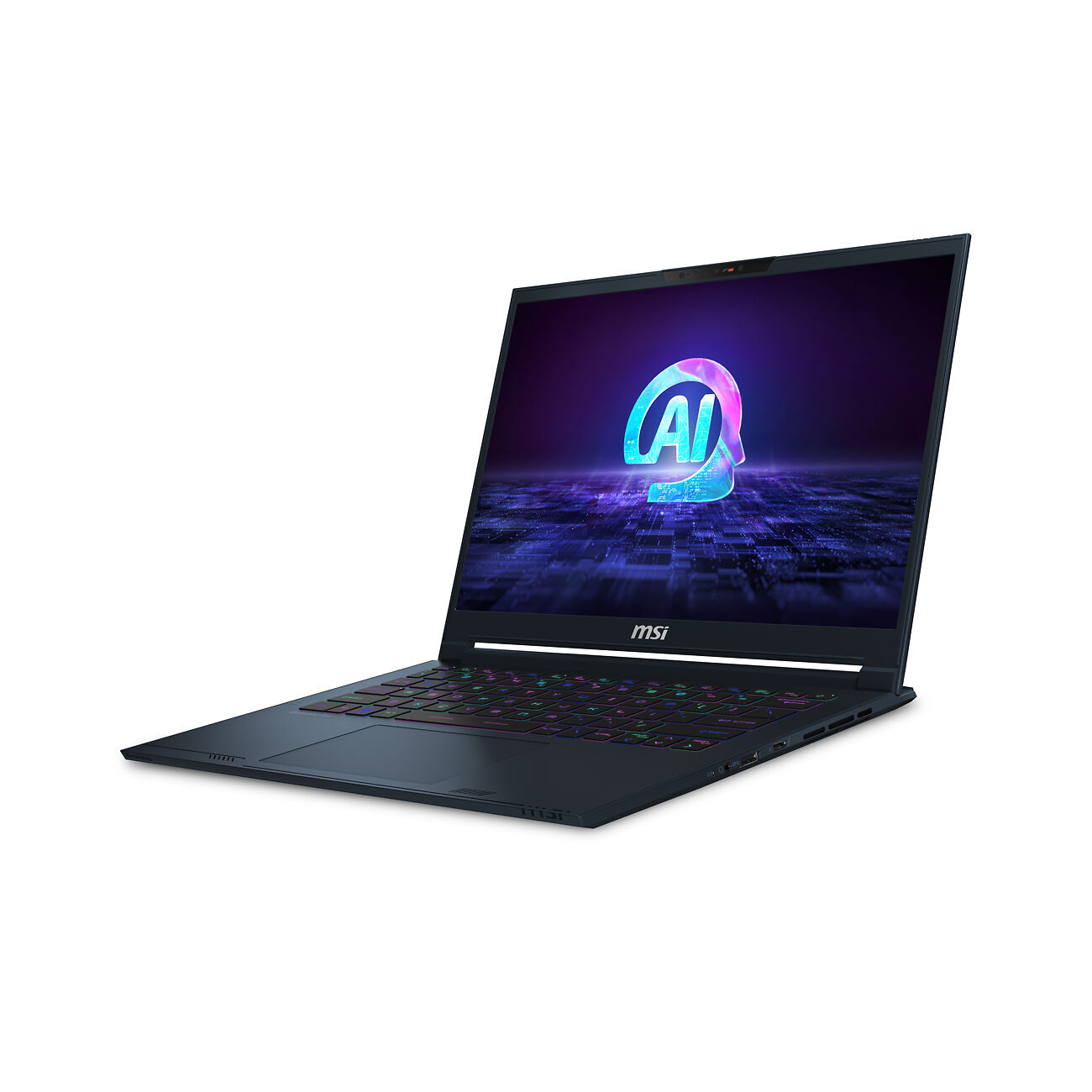
Putting all of that together, the model I chose and am discussing here is the MSI Stealth 14 AI Studio (A1VGG-045AU).  Despite the 'Studio' in the name, this is not technically one of MSI's Creative models.  I didn't choose one of those as the smallest model in that range is 16", and they are currently based on MiniLED screens and I definitely wanted to try an OLED.

The Studio in the name refers to laptops with NVIDIA GPUs, and running the Studio drivers (the drivers geared less towards bleeding edge gaming performance and more towards creative work performance and stability - these are the same drivers we run on all our in-house desktops at Image Science).

You can see the full MSI Studio line-up here.

I really wanted to avoid MiniLED bloom and definitely wanted an OLED.  So that made the Studio machines the next logical choice.  With desktop computers, gaming machines and creative machines are often very similar in practise in terms of the hardware.  In laptops the difference are greater - certainly greater than I really realised - largely due to the power side of things, as discussed below - but the principle is the same.  

A powerful machine for imaging work needs a powerful CPU, discrete and powerful GPU, fast drive and lots of RAM - those are the key things.

Here are the key specifications of the MSI Stealth 14 AI Studio:

  • 1.7kg Mg-AL alloy chassis, 19mm thin
  • Intel® Core™ Ultra 9 processor 185H with Intel® AI Boost (NPU)
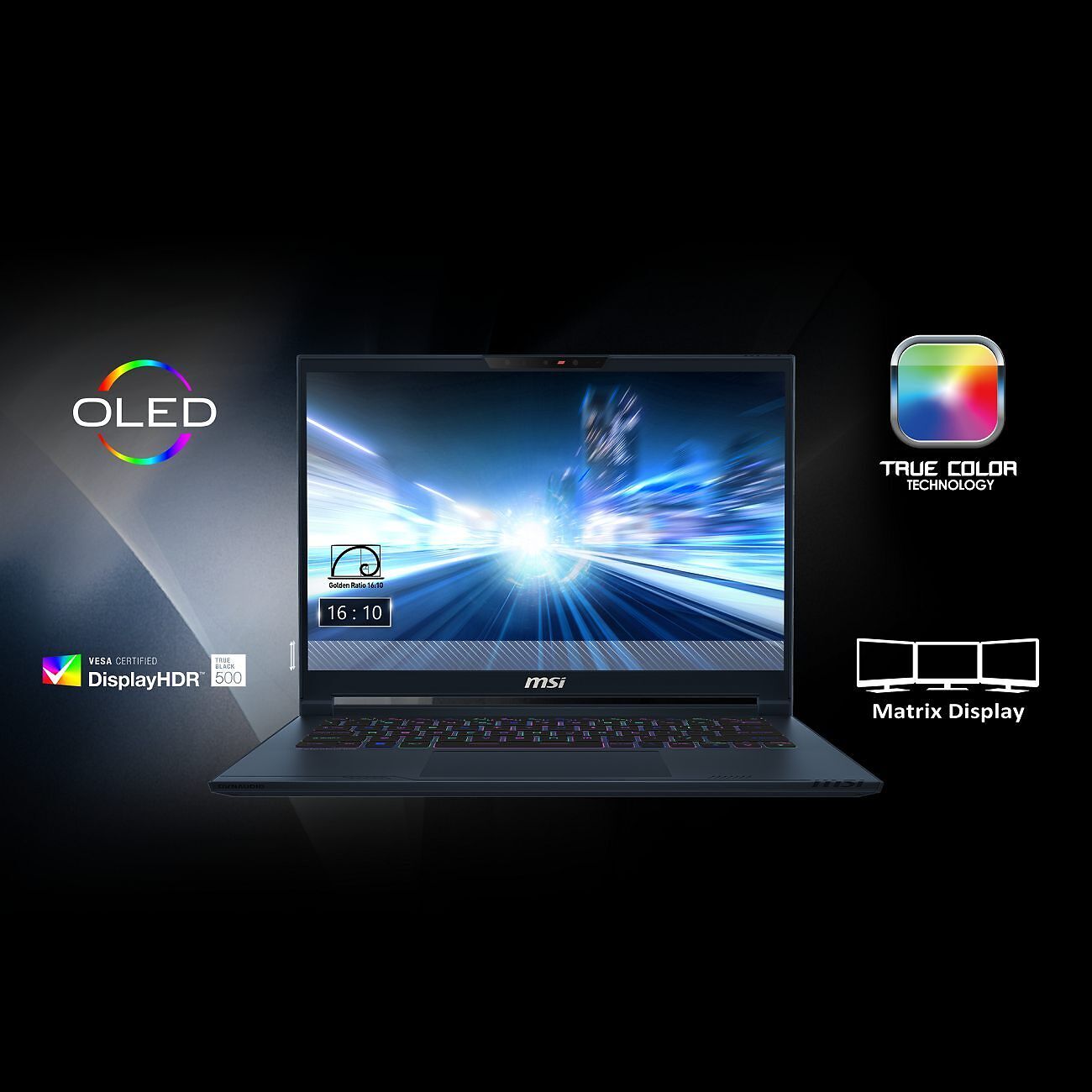
  • 14" 2.8K (2880 x 1800, 16:10), 120Hz Refresh Rate, wide gamut OLED
  • VESA DisplayHDR™ 500 Certified, 100% DCI-P3 (Typical) 
  • 32 GB of fast DDR5-5600 RAM
  • 2TB NVMe SSD PCIe Gen4
  • NVIDIA® GeForce RTX™ 4070 Laptop GPU (90W, 8GB)

(Full specifications, this specific high end model is on the far right....)

It's a powerful little breast, basically - far more powerful than any laptop I've ever owned before.

Price at time of writing from your typical IT suppliers is ~$3700 - not unusual for a powerful machine and on par with other brands (and of course cheaper than high end MacBooks).

The MSI Stealth 14 AI Studio

The OLED Screen

The MSI Stealth 14 AI Studio is blessed with a display that is absolutely stunning for general desktop use, consuming media, and playing games.  At the same time, it's not ideal when it comes to some specific aspects of serious creative use.

Assessed as a screen for day to day computer use, the screen is frankly sublime - just beautiful to look at.  Browsing the web, playing games, watching videos (including HDR), and casually looking at photos - it's just lovely for all of those sorts of things.  Colour is rich and out of the box acceptably accurate, contrast is frankly amazing, and the screen is very sharp.  For content consumption, it is exquisite and absolutely a pleasure to use.

There are some issues, though, that come to the fore when trying to use this screen for content creation work.

The panel is very glossy, and this is distracting generally.  Even for general purpose use, and especially in this world where 'dark mode' is becoming so common, you really are seeing an awful lot of reflection in this panel.  From a content creation perspective, I strongly recommend wearing black when doing your work, because any other colour is absolutely going to be visible in the deep shadows!  

(I'm honestly at a loss as to why anyone would ever want gloss on a laptop panel - ever! - you're just going to see so much of your face in it, so often...unfortunately, I'm not aware of any matte OLED laptop options).

When reading the next parts, keep in mind I am comparing this screen with the best of the best, in terms of accurate desktop monitors for creative work - i.e. Eizo ColorEdge and BenQ SW models - i.e. can this screen live up, or come close, to those lofty standards?)

Even post calibration, the colour accuracy is (not surprisingly) noticeably off the pace of a top quality colour accurate desktop monitor, like the monitors we use every day here at Image Science.  With those, we see an average post calibration dE figure around 0.5 - 1 on the best models, and between 1 and 2 on very good models.  With the MSI Stealth 14 AI OLED, we saw an average dE of ~3.5 after calibration. 

Uniformity is good, but less good than a high quality recent IPS LCD...the uniformity is more like what we saw on those maybe 10 years ago.  This means relatively minor, but noticeable, disparity in both brightness and colour terms (most noticeable in the whites) across the field of display.  You would not notice in casual use, or even in most single image editing scenarios - but if you were doing A/B comparisons, say, side by side, you might.

For a lot of people, doing casual photo work while out and about, it's certainly good enough - it's by no means a bad screen (quite the opposite) - and you must remember I am judging it against top end LCD models here. The sheer beauty of it will certainly be very enjoyable for your non-creative tasks  along the way. But, for colour critical work, you'll still want to check your work on a proper monitor, back at base, before sending it out into the world - if colour accuracy to a genuinely high level is important for your work.

I'm really a little torn, after a few weeks using this screen - on the one hand I just adore it, but on the other I find it a tad frustrating.  I'd definitely like it to be a bit more accurate, a bit more uniform - and _definitely_ not to be so aggressively glossy.  But, in all, in practise it actually works very well as a simulator of my final output, for my specific context - editing an image on this OLED makes for a good match on my home OLED TV, so I can definitely use this quite effectively to do my processing when away.  I'll definitely do a quick pass over the images on my Eizo when I get home, though - but it will be just minor corrections at that point, I'm sure.

The MSI Stealth 14 AI Studio

Calibration

MSI TrueColor

It's worth talking about calibration specifically with this screen.  I was interested to see MSI include their own calibration system - developed by Portrait Displays (Calman) - called MSI TrueColor. 

This feels very much like something that has come out of the home cinema end of calibration, which is not surprising as that is Calman's domain.  (And the UI for this tool is straight out of the 'crappy vendor tools' school of UI design, all fixed sized windows, garish colours, and a complete disregard for the norms of the operating system and good UI design!).

(Interestingly, this is the only piece of calibration software I've yet encountered that does not automatically work with the newer 'HL' model calibrators from Calibrite.  I had to pull out an older non-HL model to get this going.  As is common with these third party, re-branded systems, I don't think this software receives frequent updates or much in the way of love and support, unfortunately).

It's a basic calibration system - you can switch between various preset modes (Display P3, sRGB etc) - and run a calibration for these as well.  It does not, it seems, produce an ICC profile.  I.e. it's all done in calibration rather than profiling - much as it works in the home cinema world (because in the context of a home theatre, where you have a Blu-ray or streaming outputting to a TV - typically one does not have a computer available to implement the profile side of things.  That said, I can't find much documentation and it's a little opaque as to what exactly it is doing, and where it is doing it, as such.

One interesting feature is that you can set it up to automatically switch profiles on per application basis - so you can have a different settings/calibration for gaming vs. your Photoshop work, for example.  This is the sort of thing we're yet to see from traditional calibration packages, but something that is likely to become more important, especially as OLEDs become more popular on the desktop - you will likely need significantly different modes/setups for difference modes of use during your work day.  Of course, for this to work well and consistently, it's the sort of thing the operating system should help with - but as yet, I don't believe any OS supports this.

Ultimately, MSI TrueColor is an odd little tool - probably too advanced for basic users (most of whom won't know their P3s from sRGBs and will likely just get confused and make things worse) - but at the same too simple and limited for professional users who require the most accurate colour, and control over that colour.

Traditional Calibration

Calibrating with a more classic calibration system - Calibrite Profiler - and a modern calibrator (Calibrite Display Plus), was straightforward for general purpose use, and the result was a quite accurate and very pleasing display.

I do need to be careful with the lighting conditions when I edit - the very deep shadows are sensitive to the ambient lighting, and my goal is to match my home OLED TV.  I have found it best to edit in very similar lighting to our lounge room in the evening - and have been surprised by this, when editing on my LCD is just hasn't had the same importance - because the shadow tones are so much higher on the scale and easier to see in to.  Again, the gloss level of the screen really does not help here.

I was not really able to make an effective print style calibration - i.e. one with significantly lower contrast, to emulate paper.  Indeed the minimum contrast I could achieve was over 25000:1...just a little off the ~200:1 I normally use for print work!!  This is exactly the sort of issue I expected with OLEDs (as per my recent article on Display Technologies in 2024) - but the results were even worse than I expected, to be honest.  I'll be looking in to this later in more detail, to see if it can be improved, but for my actual use (i.e. targeting final display on an OLED) - it wasn't important at this time.

The takeaway message, though, is that if print work were of primary importance, I definitely would not choose an OLED, at this time, at least.  It will be interesting to see if the likes of Eizo/BenQ can come up with a good solution for this, when they do bring OLED models to the market - or if they will even try.  Looking at the bigger picture - does print remain an important enough part of the creative market, and of the market for high end monitors, for those brands to consider this and spend their development dollars on this sort of problem?  Time will tell, but I fear that print will be very much secondary in their development efforts, to video and other content creation - which are much bigger and more lucrative markets, these days.

Calibrite Display Plus HL
A professional-level display calibration tool featuring a new high-luminance sensor capable of measuring up to 10,000 cd/m2 (nits)!
N.B. This Product is on Back-Order.
▪ We expect to start shipping these early July.
▪ Get up to 20% off RRP in our Calibrite EOFY Sale! See here for sale details.
$515 RRP $639.59   (Save $124.59!)
More info

The MSI Stealth 14 AI Studio

General Laptop Things

Performance

Overall, it's very fast.  Really, for a laptop, screamingly fast.

With an NVMe SSD, i9 processor and a NVIDIA RTX 4070 - how could it not be, frankly.  There's even a built-in NPU (i.e. AI accelerator) in there - although I am not yet on top of what software is actually yet taking advantage of that.

The OS and Applications all load very quickly, even large games start very quickly.  Even with a great many things/tabs open, the machine remains responsive at all times.  I can't say I have any complaints about the performance in all - whilst it's not quite as fast as my i9-13900K/4070Ti RTX based desktop, of course - it's closer than any laptop has come, that's for sure.  

As a practical example, an average AI denoise in Lightroom for my raw files is about 6 to 7 seconds per image on my desktop machine.  On this, it's more like 8 seconds per image - so almost on par which is astonishing really (and of course you should only bother denoising your actual image selections, if they were shot at a higher ISO - rather than processing every image!).

(On my older desktop, with an older generation NVIDIA GPU, it was 3 to 7 minutes per image!).

Keyboard & Trackpad

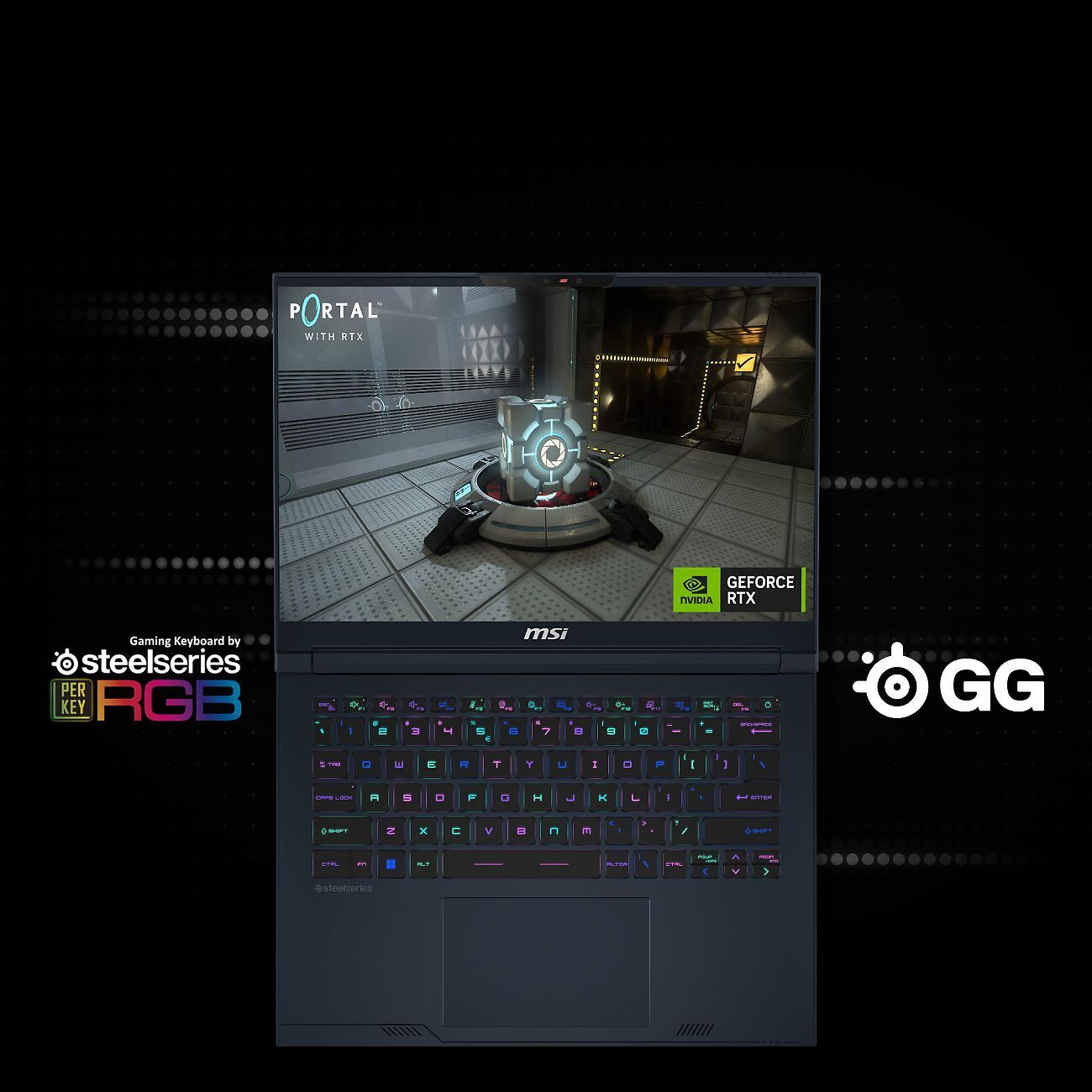
The keyboard here is from Steel Series and it is excellent - it's actually probably the best laptop keyboard I've ever used in terms of 'type-feel'.  Definitely more comfortable than MacBooks and Microsoft Surface machines, both of which are already pretty good, compared to most other laptops.  There's just that bit more solidity and key travel here, and that makes for a much nicer typing experience.

(I did of course immediately disable all the crazy and distracting RGB lighting, opting for a basic warm-tone backlighting instead).

The cursor (arrow) keys could be bigger & more separated, but that's standard on smaller laptops really.

The track-pad is large, accurate and responsive.  Has the right amount of click, too - no complaints here at all, and again amongst the best I have used.

In short, it's just very nice to use, all in all.

Connectivity - Wireless & Ports

It's the faster wireless device in my house, by a considerable margin, in practise.  It has 'Intel Killer WiFi 7' - whatever that is.  I presume it's especially fast/low ping, for online gaming purposes.

I only have WiFi 6 throughout my house (via an ASUS mesh system) - but in my testing I have no other device that can pull data off my network remotely as quickly as this little laptop can - it tested at fully 2.5 times faster than most of my other devices!

In terms of Ports - there is a good, albeit small selection for such a small machine - including one very high speed Thunderbolt 4 port:

1x Type-C (USB3.2 Gen2 / DisplayPort™/ Power Delivery 3.0)
1x Type-C (USB / DP / Thunderbolt™ 4 with PD charging)
1x Type-A USB3.2 Gen1
1x HDMI™ 2.1 (8K @ 60Hz / 4K @ 120Hz)
1x 3.5mm Audio Combo Jack
1x 240W Mains Power/Charging
1x Kensington Lock

Battery Life

This machine is really a mobile workstation, not my classic 'light-work-on-the-go' laptop. As such, the battery life is highly dependent on what I'm doing and varies - from OK to not great.

For just browsing, office apps, and _light_ PS/LR work, it's pretty good - about 6 to 8 hours, before things are getting dicey.  But, if you're doing a lot of heavy things - gaming, obviously, but also things like mass Lightroom De-noising - the battery life is significantly diminished, and you'll want to keep the charger nearby (see notes on charger below!).

I rarely really need actual battery power for a long time, but it's definitely something to keep in mind and distinctly less good than Microsoft Surface machines, for example (and way, way behind the various very new ARM based machines). You will _not_ get anything like a full day of solid use out of this, of course - but that's the price you pay for the sheer grunt available here.

Sound & Webcam

Sound is also very good, for a small laptop, with two small speaker vents on either side of the track-pad.

Of course it lacks bass and oomph, but for watching a movie or playing games, it's not unpleasant and painfully tinny like most laptops.

The in-built web-cam is very much on par with all of those (i.e. not great, and a very long way away from the quality of my [favourite option]).

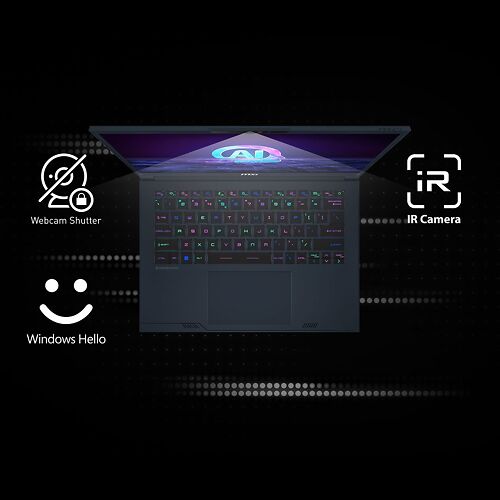
The web-cam supports Windows Hello face login, which I find super convenient, and it works very well.  There is a physical privacy shield, too, which is good.

The MSI Stealth 14 AI Studio

Gaming

This is, ultimately, a gaming laptop at heart, and MSI are huge in the gaming laptop market.

I am not a gamer, but it would be remiss of me not to at least mention gaming, and I know a lot of our customers dabble in what is, after all, easily the world's most popular form of entertainment (the gaming industry easily being bigger than the movie and music industries combined!).

The laptop came with a free month of Xbox Game Pass Ultimate, so I was able to try a good number of games.

All of the games auto-configured themselves to the highest settings, even when  running at the full native 2.5K resolution.  I tried heavy weight modern things like Forza Horizon 5 and Call of Duty Modern Warfare 3.  All of these ran very well indeed, with frame rates typically above 60 and there were never any signs of drops or sluggishness to be seen.

In this context, the OLED _really_ shines - the games look just draw droppingly good - vastly better and more immersive than on my $5000 27" Eizo!  It's a 120hz display, and the whole gaming experience is smooth as silk - the contrast and rich colour really draw you in to the experience.

This laptop is a great choice if you're into gaming - not surprising as MSI is a world leader in gaming laptops.

Room For Improvement

There's a few things I don't love about this laptop - though most are not MSI's fault, but are rather endemic problems within the whole PC/Windows industry, or because I chose a device that is not technically aimed at content creation work.

These are mainly just niggles - most are not serious issues.

This is a gaming laptop, ultimately - and thus a little too flashy for my personal tastes.  I prefer a more straight up, professional looking machine, but as yet there weren't any content creator models with an OLED screen, which was a primary goal with this evaluation.  So - I can't blame MSI for all the flashy LED lights and gaming oriented features/glitz, but they are not to my taste and a distraction in my particular, professional, context.  This doesn't mean I want an utterly soulless slab of grey aluminium, either - some personality is good, and the anti-fingerprint midnight blue is certainly very nice!

Thermals

This is a very powerful machine - an i9 processor (with an AI NPU!) - and a discrete 4070RTX (90W) chip are both up there with the most powerful options currently available, and they're packed into a small package here.  It's not MSI's fault, but the PC world is undoubtedly hampered, still, with the processor options available here.  

This is serious hardware, but it's also seriously thermally challenging, and the whole thing runs warm.  The result is this machine is pretty much always warmer than you think it should be, and the main price of that is comfort and ergonomics - you'll probably notice the warm keyboard, but if you're doing demanding things, you'll definitely notice the fans activating frequently (and they're not really quiet fans, either). Indeed play a modern, heavyweight game, and the fans are constant and distracting.

This would likely be improved somewhat in a larger model (like the 16" version), of course, and there's not a lot MSI can do about the fundamental characteristics of chips they don't make, but it does make even the 'gruntier' MacBooks seem a lot more...effortless...about their power.

Power Adaptor

The power adaptor that comes with this thing is, and especially given the relatively petite size of the laptop itself, big and heavy. 

Really, it's just too big.  I presume this means it is old school silicon technology.  It also plugs into a dedicated power port.  I'd much rather see a modern, much smaller GaN (Gallium Nitride) charger, going into another USB-C port on the laptop rather than a custom socket.  This thing outputs 240W, so it's a very beefy/fast charger and if you're running demanding applications will allow the laptop to run in 'max power captain' mode continuously.  But for most uses, and for actual portability, it's not ideal.

Alternatively, this machine does support USB-C charging, and I can charge it with my comparatively tiny 120W GaN USB charger.  

Unfortunately, though, whilst this charger is fine as an overnight travel charger, it seems the laptop enters a low power, GPU hobbled mode when it's in use - meaning you can't take full advantage of the machine's power when using this charger.  (I guess I'd assumed it would use a combination of battery and the USB-C power under this scenario, but apparently not - I suppose this makes sense given the GPU alone can draw 90W...).

Stickers

Every PC laptop I have ever bought come with stickers on them, usually right next to the place one's hands spend the most time.  No only are they ugly as anything, but they make for a needlessly sweaty and bumpy experience around the touch-pad. 

 I am sure that most of these stickers are mandated by the component suppliers and part of the corporate mega-deals going on in the background with these massive companies - but from a user perspective these stickers _absolutely suck_.  Of course, anyone sensible removes them immediately, but are they easy-peel off, no residue stickers?  Are they heck.  This particular laptop arrived with 4 stickers on it, two quite large, and one of those right under the beautiful OLED screen.  Be gone, foul stickers.

Bloatware & Lack of Documentation

It's also common for Windows laptops to come with 'Bloatware' - with past laptops I've often found it so bad, usually the first thing I do is 'Reset Windows' so I can take it back to a basic, clean install.  Again, I imagine there's a bunch of wheeling and dealing that leads to this, but it makes for a poor user experience - not least because almost always the software is an undocumented mystery and one is left not knowing which things are actually functionally important and which are just, in a nutshell, marketing garbage.

To be fair, there wasn't too much on this machine, but I'm still planning to wipe it completely at some point, to start from a leaner base and just so I know exactly what is on there, and what each thing actually does.

Documentation is also a bit of an issue - you don't get any.  You have to go exploring the software yourself to work out what various things do - and in some cases, this can be quite important - e.g. while mostly the laptop handles things automatically, there are seemingly times when one needs or might want to force enable (for high power computing) or disable (for longer battery life) - the power hungry GPU.  It's not hard to do with the MSI settings tool, but it's also completely undocumented.  A laptop at this level should come with a basic on-boarding guide covering key features (especially if they can really help you get the best from the fancy hardware!), but as ever, in the Windows world, you're left to work it all out yourself.  

MSI would do well to pay more attention to the user experience here, if they want to serve the content creation market better.

The MSI Stealth 14 AI Studio

Conclusion

Overall, the MSI Stealth 14 AI Studio (A1VGG-045AU) is a great powerful-but-little machine, with an exquisite screen for general purpose work and play.

For my purposes, it's proving a good choice - I can definitely do some proper editing while away from home, and (once both ends are properly calibrated) - the match to my final home OLED TV output is indeed very good.

(And I can't deny, it's so good at the gaming side of things, that even I - a life long reluctant gamer - have been sucked in a bit, and find myself whiling away a few hours in the beautifully made world of Titanfall 2!)

On the flip-side, the utterly gorgeous OLED screen does have exactly the issues I predicted OLEDs would have, in the creative context - most specifically for print based work.  It's just too much contrast, and not quite enough accuracy, for working on high quality work destined for print.

Of course if print isn't your thing, then that is not a concern.  For editing things like video, and photos for screen output, it's a delight.

Horses for courses then.  Don't look at this is you're interested in fine art print, but if instead you do screen based content creation work, it's a lot or power in a small, well made package, and definitely worth considering.