Please note that we are open by appointment only (except for click and collect pickups once notified ready).
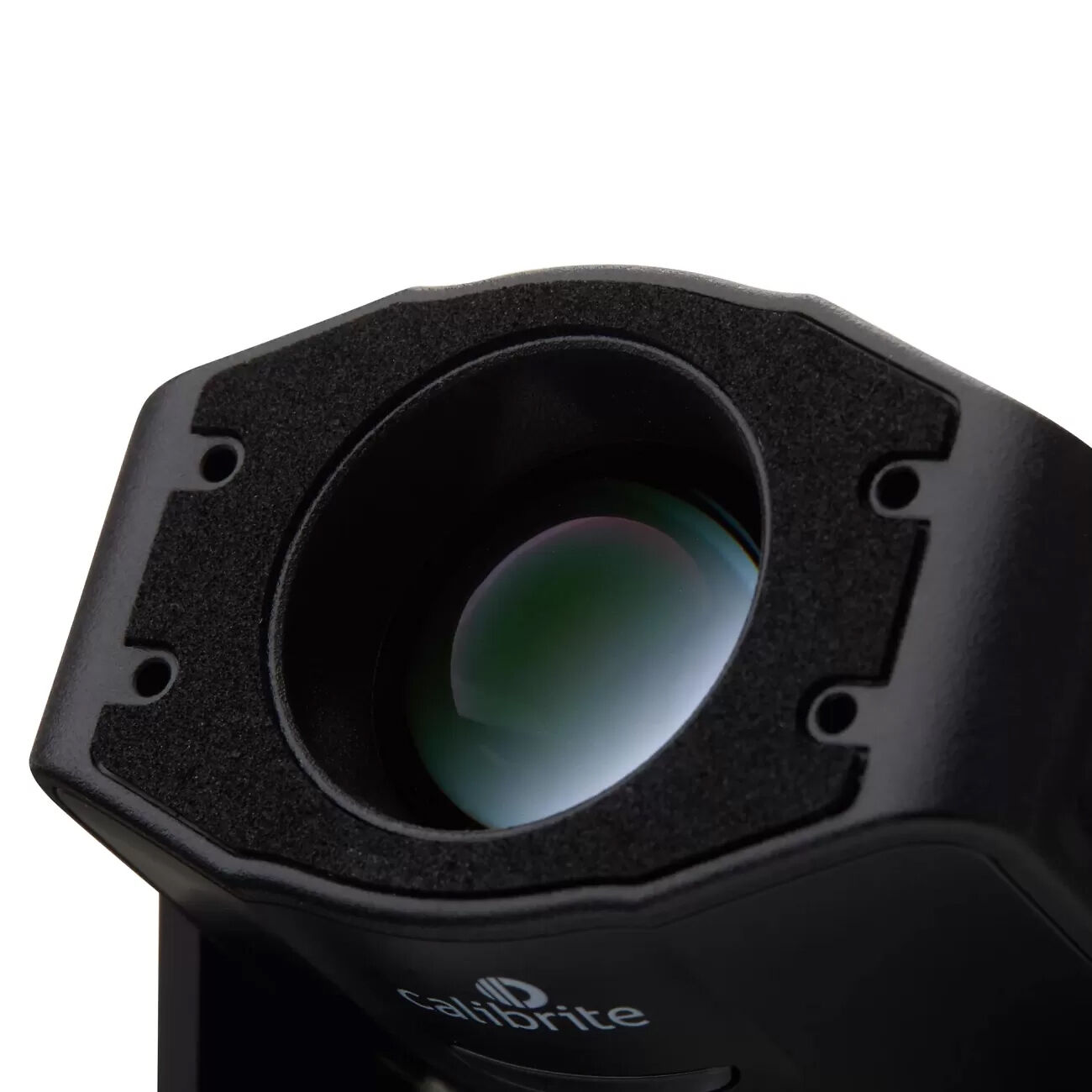
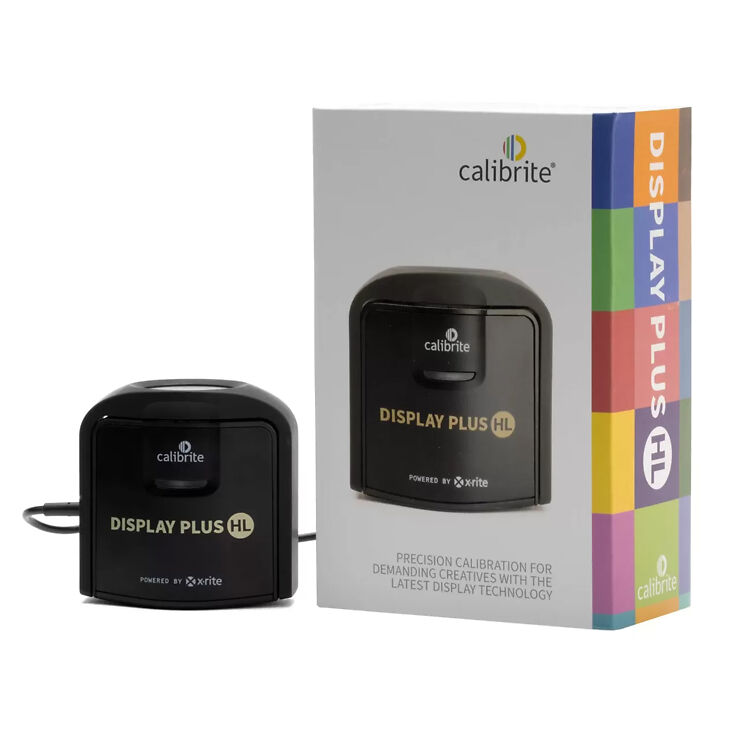
The Calibrite Display Plus HL is the first colorimeter approved for use with Apple's built-in display calibration system, meaning you can now natively hardware calibrate newer apple screens at an OS level.
Apple's professional level displays have long supported a fine-tuning calibration workflow built into macOS. The catch was always the measurement hardware: Apple's system would only accept a short list of industrial spectroradiometers, the kind of instrument found in a display manufacturer's lab and priced accordingly.
Calibrite has now changed that. The Display Plus HL is the first colourimeter Apple has approved for its built-in display calibration system, and the first on that approved list a working photographer, editor or printmaker could realistically own. For anyone running an Apple Pro Display or a supported MacBook Pro, hardware-level display calibration is now within reach.
Since macOS Tahoe (version 26.4), Apple's Full Calibration workflow has lived in the operating system itself, run through the Apple Pro Display Calibrator. The Display Plus HL is currently the only consumer-grade device on Apple's approved list. Everything else on it is a lab-grade spectroradiometer built for manufacturers and colour facilities.
Supported hardware at launch:
This is the bit worth highlighting, because it's where Apple's workflow differs from more conventional software-based monitor calibration (i.e through Calibrite Profiler or Datacolor SpyderUtility).
A standard software-based calibration produces an ICC profile, a correction layer that the operating system and colour-managed applications apply over the display's native behaviour - essentially altering and attenuating the video signal that comes out of the video card before it enters the panel. A hardware-based workflow works the other way around, with the calibration parameters/target settings being written directly to the display hardware, and adjusting white point, luminance and colour response at the source (the panel level). One calibration session updates every reference preset at once, and the correction holds across the full brightness range, from SDR up to HDR at 2,000 nits peak on the Studio Display XDR for example.
For anyone running a colour-managed print workflow, there's one important distinction that I want to make here: hardware calibration is not the same as ICC profiling.
Apple's tool gets the display's underlying behaviour right at the panel. It does not build the profile your colour-managed applications rely on for soft-proofing and accurate print preparation. That's why Calibrite treats the Display Plus HL and its PROFILER software as two parts of one workflow: use Apple's built-in tools to calibrate the panel to the required settings at a hardware level, then use PROFILER to build the ICC profile, validate it and generate a report. If you're preparing files for print, that second step remains essential.
It's also built with an eye on where Apple's colour standards are heading. The Display Plus HL is designed to work with Apple CMF 2026, Apple's next-generation Color Matching Function, which moves past the near-century-old CIE 1931 standard observer to keep results accurate as display technology changes.
Apple's workflow keeps the mechanics simple, but it does ask for a little patience:
Allow time. The display warms up for around 30 minutes to reach a stable operating temperature, and the full calibration takes at least 45 minutes in total. While it runs, don't log out, switch users, change resolution, mirror the display or let the Mac sleep, or the process will fail.
Calibrite has a FAQ on it that worth a read here. They also have a great video series here.
Up until now, doing anything colour-critical on a Mac really meant sitting a dedicated, hardware-calibratable display in front of it (such as an Eizo CG/CS or BenQ SW). That was the only way to get dependable, repeatable colour. Apple's workflow with the Display Plus HL changes the picture at the lower and middle end of things: it puts a solid, hardware-level calibration on a screen many people already own, and for a great deal of everyday photo, design and video work, that is now enough. For a lot of users, an Apple display has finally become a properly viable tool rather than a compromise.
For the most demanding imaging, a purpose-built colour-accurate and hardware-calibratable imaging monitor still leads the way, and it's still what we'd point serious users toward. Monitors like the Eizo ColorEdge CG/CS and BenQ SW series bring wide gamut coverage, onboard self-calibration, panel-wide uniformity correction, and a host of other nice quality of life features that a general-purpose display can't match. If your work depends on the highest accuracy, fine art printing especially, that remains the tool to reach for.
This new calibration is what makes an Apple display a serious option for many people, and that's a real step forward. For those chasing the last few percent of accuracy and consistency, a dedicated calibration-grade monitor is still the better buy. The right choice comes down to how hard your work leans on colour.
At the time of writing the Calibrite Display Plus HL is available now. At a fraction of the cost of the industrial spectroradiometers that were, until now, the only route to hardware-level Apple display calibration, so for a lot of photographers, designers and editors, the Display Plus HL and Apple's built-in workflow are now enough to trust what's on screen, on hardware they already own. That's a big deal, and for many people it will be all the calibration they need. For everyone else, the dedicated colour-grade displays are still there when the work calls for them.