Please note that we are open by appointment only (except for click and collect pickups once notified ready).
IMPORTANT - here we are specifically talking about televisions and projectors NOT attached to computers (e.g. TVs showing broadcast TV, playing a Bluray via a Bluray player, or using a home theatre mini-PC not running a full operating system (like Kodi boxes, Android TV boxes, Apple TVs etc). If your TV/Projector is connected to a regular computer, you just use the software that comes with your calibrator to calibrate it - but if there is no computer, this can of course not be done).
Televisions can be calibrated in a similar way to monitors to give a more accurate, true to life colour. If you already have a good monitor calibrator then you may already have most of what you need to calibrate your TV. It is an excellent way of squeezing more value out of something you already own.
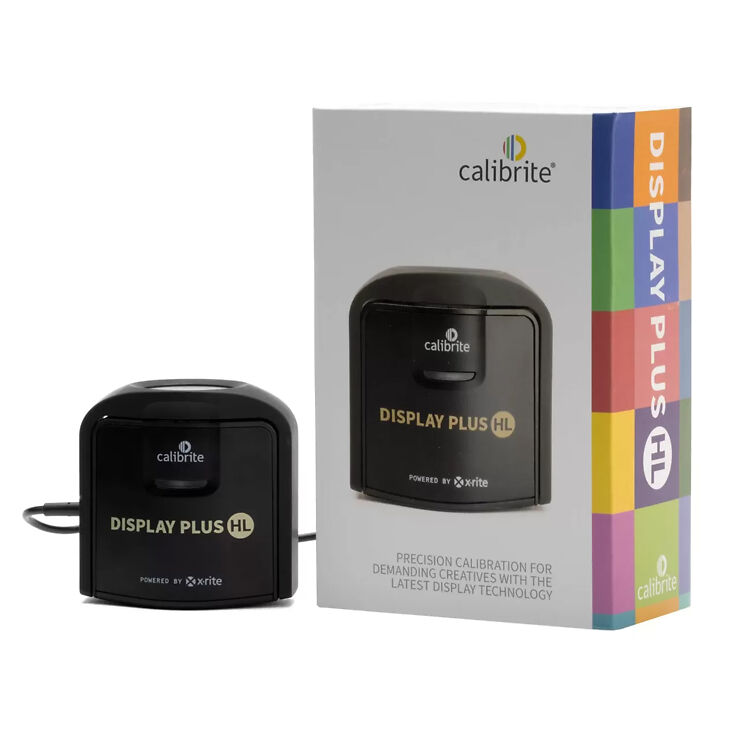
There are also a number of after-market software packages, almost of all of which are compatible with the Calibrite Display Plus HL (the best sensor for modern, high contrast displays).
Essentially it works like this:
You can find much more advanced information on this web forum - AVS Forum
The 'sticky' threads at the top are the most useful part. As you'll see it can get quite complex if you want it to, but the basic ideas and processes are pretty simple.
Have fun!
- Chris J -I received my print today and I just wanted to let you know how incredibly happy I am with the outcome.
The print itself is beautifully done, and the small fixes you made to the scan are perfect. The care taken with the packaging also ensured entirely damage-free delivery. This may be Image Science’s standard operating practice, but having sent a few prints out before with less than great results, I want to assure you the care and attention is greatly appreciated.
So, thank you for being such a great service, and you can expect a number of further printing jobs to head your way shortly.